
Ideas
Why you should have a website
There are many, many reasons why you should have you own website.
Here are just a few of them:
- Unlike social media platforms that come and go, a website can be your permanent home on the internet
- Your friends will always have a way to contact you
- You can list all your social media accounts on one page so people can follow you where you're currently active
- Writing about what you like is the best way to make new friends online
- Everyone can see your stuff, whether or not they have an account on a specific platform
- You own your website, so it can't be taken away from you against your will (unlike losing a social media account)
- You can import and repost everything that's important to you
- It becomes an incredible repository of your life
- You can simply direct someone to a post that answers the question you're so so so very tired of answering
- It's a great way to highlight your professional proficiencies in a way that can help you get new jobs
- No matter how shitty a social media site gets, you'll always have a place to post
- You don't have to fit inside artificial character counts
- You can display your photos in the format and aspect ratio you want, not however the app-of-the-moment wants
- You can post whatever you want and not worry about being moderated for some reason
- There's no algorithm you have to somehow please
- It's a home for your hobbies
- Creating is better than consuming
- You can collect email addresses and send emails directly to your subscribers
- You're allowed to link to whatever sites you want to
- Unlike the firehose of social media, what you write isn't immediately lost into the ether—you can display any post(s) as prominently as you'd like, no matter how old they are
- You can design your site however you'd like without regard to any platform's limitations
- It's a creative outlet for things you're passionate about
- Writing is a great way to think more deeply about a topic
- Curate interesting links you want to keep
- Write a scathing and detailed review of that company that totally screwed you over
- Celebrate your accomplishments! Let the world see what you have done
- You can make your own custom linktree
- Escape the shallow swiping dating platforms with a webpage of who you are and what you're looking for in a partner
- Earn some goodwill by offering the solution to an obscure problem that took you forever to figure out
- It's the central hub of your online identity, however multi-faceted you want it to be
- Have your own branded email address—using whatever usernames you want!
- Promote your website every time you use your email address
- You can create a lasting "body of work" that just can't happen on social media
- Document your travel adventures in a more coherent and lasting way
- Getting random emails from people who your blog has helped is pretty rad
- If you have things you want to sell, you can easily integrate that into your own website
- You can profit off of your own website, not create value for some external company
- You can design your site to look entirely unique and reflective of your own personality, unlike social media platforms
- When you post on a website, you can link to that same post, forever, on whatever social media platforms come and go
- You can design your site to outlive you (if you want), especially if you add your posts to the Internet Archive
- With subdomains, you can have an infinite number of website URLs with just one domain name
- It's way easier to look back at your blog posts than it is to look back over your social media posts
- It's fun, surprisingly fun actually, to get visitors from across the world
- It guarantees a high degree of online independence
- It's way easier and cheaper than you think, but offers incredible ROI value
- There's no algorithm to "punish" you for not posting on a regular schedule or following trends or any of the other hoops you have to jump through so your friends can see your posts
- You can send people to your website, not some billionaire's company website
Ok, that's enough for now. Go get yourself a website! Register a domain (not sure what name to use? start with your name). Connect a simple blogging platform.
Just get started. Thank me later.
The easiest ways to start your own personal website
Back in the early days of blogging, launching your own website required quite a bit of knowledge and a quite long list of steps to complete. If you didn't know what to do, it felt a bit intimidating. I know, I learned how to do it—mostly through trial and (lots of) error.
Part of that angst was not just in setting up the server correctly, but also in not knowing exactly how to style your webpages to make them look the way you want them to. It required research, learning, tinkering, and troubleshooting. Not an impossible task, but definitely a task.
That's one of the reasons that social media platforms took off. The early platforms made it easy to just...post, and got lucky by doing so right at the crucial moment that smartphones became a thing (this was before they started enshittifying everyone's experience, of course).
These days, however, there are a whole bunch of super-simple platforms that make it as just as easy to start a blog as signing up for a new social media account. But with all the countless advantages owning your own website provides.
Simple blog sites
If you're used to social media and you want something dead simple to use, these are the best platforms to start with. They offer a very simple editing experience—just the basics—that allows you to focus on writing, and not get hung up on how the page will look. You can usually add some static pages, categories or tags, and they offer an rss feed too. All the basics you need for a solid website! There are probably other similar options, but these are the ones I know about and have investigated a bit.
Take a quick look at each, but don't worry too much about your choice. You can't go wrong with any of these options. Just choose one, register your own domain, and get started.
Pika
Pika is my top choice for a simple, easy-to-use blogging service. You can use it right out the box without any additional fuss, but it also offers a number of additional customization options. The company behind it is really fun. Pika also offers a really interesting guestbook feature, which includes the ability to leave drawings!
Scribbles
Super easy to use, you get three sites for $5/mo or $50/year. Not much customization, so you won't spend time tweaking instead of just writing.
Blot
For $5/mo, Blot turns a folder into a website. Files in the folder become posts and pages on your website. This all works a bit differently than the other platforms, but is a great solution for many.
Bear
Free, barebones (bearbones? just the bear necessities?) blogging platform that lets you post without worrying about design, though a number of themes have popped up and you can customize quite a bit. You can even connect your own domain name, which is astoundingly cool for a free tier. The best part of Bear is the community and the trending posts directory, which is powered by an "upvote" on each blog post. Their fun logo is some weird text: ʕ•ᴥ•ʔ
Write.as
Another great option if you're interested in a simple design that focuses on your words more than design. With a paid account for $6/mo, you also get newsletter and photo hosting functionality too.
Super interesting options
Micro.Blog
Micro.Blog is a combination of social media and a blog and is unlike anything else you've used. You can cross-post to a bunch of platforms, including mastodon, bluesky, medium, flickr and more. It's also its own social community and offers a bunch of other interesting features and dedicated apps. And if you subscribe to the "Pro" version for $10/mo, you can also host your own podcast and newsletter. I'm a member.
omg.lol
Ok look, this site is hard to describe. It's exactly what was fun about the early web. I'm a member. You can build a simple blog here, but you do need to follow some simple instructions, at least when you first start. It's only $20/yr and comes with some interesting features—a statuslog, mastodon instance, and profile/links page...among other things. A related website platform called Neato is currently under development.
Publii
Publii is a free desktop app is a "static site generator" that builds a set of website files that you then upload to the web (which is just a single click after you set it up). You can connect it to a variety of online web servers—several of which are free to use—and publish your site there. There are also some free and paid themes and plugins to extend your site's design and functionality.
Why simple websites are awesome
While more complex web platforms (I'm looking at you, Wordpress) are extremely popular, they also over-complicate things for many users.
Most people don't need even a fraction of those features, and that complexity comes at a cost.
Not only is it harder to focus on just writing, but the unused functionality also costs more because it requires more server resources, invites mischief from spammers and hackers, and can be just plain annoying to constantly manage. I know...this site has been running Wordpress since it launched.
If I was starting completely fresh today, I'd choose one of the options above to get started, even if I moved to something more complex later.
Tell me about your new site!
Sold? Go sign up somewhere, write a post, and tell me about it. I'll be your first reader!
Pages you should have on your personal website
Personal websites are the best way to have a home on the internet.
While every site is—and should be—a personal expression of its owner, it can also be useful to adopt some standard pages that visitors often benefit from. Each of these pages is best found at the root directory, which is why I list them as /pagename—a simple default that others don't need to search for.
Here are my suggestions:
/About
Just about every site seems to have an /about page. This tends to be a static, rarely-updated page where you say a bit about yourself, usually using broad biographical strokes with a few hints into your personality. You toss up a head shot and call it a day. You've already seen countless of these, so you know exactly what these look like.
/Now
Even though nearly every site has an /about page, it's rarely useful for learning more about what's happening in your life right now.
That's where a /now page comes in. I was first introduced to this concept by Derek Sivers, and it's an idea that's quickly caught on. The idea is to share what you're generally up to these days—what you might tell a friend you haven't seen in awhile. It's not too granular like social media, but not to high-level like an /about page—maybe some updates on your life, new projects adopted, goals achieved, big upcoming trips. This is a page to update regularly.
Some folks (👋) have even started archiving these /now updates at a /then page.
/Follow
As many of us have several different sites, projects, social media accounts, newsletters, podcasts, and so forth, it can be useful to have a single page where someone can follow your work.
I suggest that you bring all of this information together into a single page: URLs, RSS feeds, newsletter subscription forms. One single page with all the ways that someone can follow all your stuff. This might be the most useful page on your entire website!
/Contact
This is a simple page that explains how to contact you. This might include a contact form, and/or email address and/or phone number or how to get a hold of you on some other messaging app. Simple but useful stuff.
/Interests
An /interests page helps others get to know you a bit better. It's a way to show what you're really into, especially what hobbies you enjoy, what fandoms you might participate in, and any other big favorite things that you have (make sure to link to any relevant posts, categories, or tags on your site). This acts as a solicitation of sorts to connect when a visitor discovers you both like the same weird shit.
/Uses
Online reviews suck these days—just completely useless garbage. A /uses page is a way to describe what products and services you own, use, and rely on. This gives others a chance to ask you about products they may be considering, and give them ideas about things they might like using too.
/Blogroll
Once upon a time, the primary way you discovered cool new websites was a list of links—called a blogroll—on the sidebar of someone's site, indicating the site the author followed most closely. For some reason, they fell out of fashion in blog designs. It's time to bring them back.
/Support
Many sites these days offer a way to support micro-payments or subscriptions to support the site author. If this is you, then adding a simple explanatory page at /support is an easy way to lay out the various ways that folks can support your efforts, whether that's a direct micropayment or using an affiliate (foreshadowing 🙊) link.
/Ideas
Some people (👋) have lots of ideas for random projects they'd like to work on. An /ideas page is a stake in the ground, planting the seed in the hopes that someone will help you turn the idea into reality.
👉 (my /ideas page is actually located at Free Ideas)
/Save
If you use affiliate programs, this is a great spot to put them all on one page. Start off with your disclosure and toss all the links and coupon codes into one place. Add a table of contents at the top and use anchor tags to make it easier for your friends to support you when they sign up for a new service or buy a specific product.
/Colophon
A /colophon page describes the nuts and bolts of your website: what tool(s) you used to build it, how you host it, and any other details that visitors might be interested in (fonts, themes, icon sets, etc). You might include some of this info on your /uses page.
/Privacy
If you're collecting personal information from visitors, then you should have a page describing what you're doing with that data. Put it at /privacy, preferably in simple language that anyone can understand. (btw, big kudos to you if you don't collect any info!)
How to build a cheap water faucet and sink for camping
Jen and I have been dealing with a series of water leaks—4 completely different ones in the last 2.5 weeks. The latest is the main water supply line, which will likely require digging up much of the yard to replace. So, we've been without running water for far too many days recently.
Luckily, I had just upgraded our camping water system, so at least we have a place to wash our hands after, you know, peeing in the backyard (though sometimes, it's the alternative: "Hey babe, I'm going to the bar...I have to use the bathroom").
A simple water faucet system
My solution is a simple usb-powered water faucet that conveniently fits on top of a common Reliance Aqua-tainer. Toss in a collapsing sink, and you have a pretty handy system for camping—or using during major water leaks.
In short, you'll swap out the standard manual spigot and substitute in a hollow pvc piece that screws in place to hold a faucet while allowing for the water tube to be inserted into the water jug. The faucet pump is powered by an internal battery pack that you can recharge with a simple micro-usb cable.
While the default spigot is a sufficient solution, this faucet setup offers several advantages.
First, because you're pumping water out of the top instead of relying on gravity while it's on its side, you can use it on a table top—which makes doing chores like dishes much easier. No more hunching over to use the water, and with a portable sink, you can also avoid a muddy mess on the ground.
Second, you can simply press a button and get a preprogrammed amount of water dispensed, meaning it shuts itself off when you're done washing your hands. It doesn't seem like much, but it's hard to go back to the manual valve after using this for awhile.
Third is better cleanliness. While the manual spigot is handy in that it cleverly converts from lid to spigot, its design leaves the main tube open to the world during transport/storage, which means that there's nearly always some nasty crap in the tube when you go to set up. While the faucet doesn't maintain a water-tight seal when not in use—as the manual spigot generally does—it does block dirt from getting into the water jug. We simply keep the faucet, water tube, and connector in a ziplok bag with our gear. We still use the manual spigot during home storage and transport.
Want a readymade solution instead? Here is a reasonably priced and very similar all-in-one product on Amazon that seems to use the exact same pump.
What you need
- USB faucet ($14.72 on Amazon)
- PVC 3/4" x 1/2" reducing male adaptor ($1.76 at Home Depot)
- Aqua-tainer ($33/7 gal or $40/4 gal on Amazon)
- Collapsing bucket ($20 for 2-pack on Amazon)
Some alternatives
We prefer using the smaller 4-gallon aqua-tainer (it's easier to carry and we rarely need seven gallons between refilling) but this works with either size. We use the collapsing buckets as the sink (the two pack makes it easier to wash dishes), but you could also upgrade to collapsing sinks that have drain holes too.
There are a number of faucet options out there. This one has two buttons: on/off, and 600ml (which dispenses water until the limit is reached, which is perfect for hearty handwashing), a nice style, and an angled spout that shoots the water out at a bit of an angle, giving you more room for a sink. The base fits well over the pvc adaptor listed above, which still allows it to swivel depending on your needs. I've also added a slice of a thin pool noodle, which helps cut down on some minor wobbling when you press the on/off button. I use it about half the time.
Note that different faucets have different bases—which are often not shown in photos on Amazon—so you may have to alter this plan if you choose a different one. And keep in mind that some faucets have their water intake hose on the backside of the faucet base instead of the bottom, so they wouldn't work with this setup.
Assembly
Putting this together is dead simple. Just unscrew the standard spigot, screw in the pvc piece listed above (mine only screws in a few turns, which is more than sufficient), insert the water tube into the jug, and set the faucet on top. Boom, you're done.
Here's what it looks like, with the addition of the pool noodle slice mentioned above.

And there you go! A simple and cheap solution. We'll likely be using a similar set up in the minivan camper we're hoping to build.
Here’s a prebuilt solution I ran across.
A medical reference document for emergencies
Between my dad, Jen, and even our neighbor yesterday, I've dealt with a number of emergency room visits these last three weeks. And it's gotten us thinking about the accessibility of medical information, especially while traveling and during medical emergencies.
So we implemented what we're calling a medical reference document, which basically includes all the important "new patient" paperwork you'd fill out at your first visit with a new doctor.
Avoid annoying paperwork
I had already put together an earlier version of this for my dad, which made it so much easier to check-in to his various doctor offices. Instead of filling out yet another form to verify that everything's up to date, I simply print it off ahead of time and hand back the clipboard with the attachment.
Not only does this save a ton of time and effort (and hand cramps), but it also reduces transcription mistakes when someone can't read my handwriting as I try in vain to squeeze everything onto a blank line that's entirely too short for the information requested. Office staff are initially confused, but often thank me for making their transcription task so much easier.
So that's a handy enough reason to spend the 15 minutes to pull this together.
When an emergency happens
But it was the possibility of dealing with an emergency—especially while traveling—that made us decide we should both have all of our relevant medical information quickly and easily available in a single updated document.
After all, it's hard to remember lots of details when you suddenly find yourself in a stressful moment of crisis, and especially so if there's any sort of language barrier at play.
By having it all in writing, it's much easier to share important information quickly, and it wouldn't take much to use Google Translate to translate it into the local language prior to a trip, too.
Where we keep it
We are now keeping these documents saved in the cloud (which we can access from anywhere, even without our phones), and saved directly on both of our phones (so that we have offline copies available, too).
Anytime something needs to be updated—we get a new prescription for instance—we update it, share it with each other, and save copies of the new version to all the places.
What's on the doc?
So, what information do we include? Well, basically anything that we'd want medical or emergency personnel to know in a critical situation.
So obviously that's the basics, like general demographic and contact information, who to contact in an emergency, allergies, prescriptions, immunizations, major health illnesses, our doctor and other specialists, etc. We also include insurance and pharmacy information, though that's likely only relevant in-country. We even include surgical and family histories, and some other info we might need when filling out medical forms.
If you have unique conditions or things you'd someone to know in an emergency (such as the details about an implanted medical device, for instance), you should definitely customize it for your own needs. If you have any suggestions for something I've missed, please let me know!
Here's a template to get your started
That said, here's a general template you can start with. This is one of those things that is incredibly easy to put off doing, only to regret not having it later. But once you get it all pulled together, it's pretty easy to keep it updated, and you'll have it in case you ever need it.
PDF sample
Here's the template in pdf format, which is the file format we export to our phones.
Your_Full_Name_-_Medical_Reference.pdf
Plain text template
And here's a plain text version that you can edit:
Your Full Name - Medical Reference.txt
Notion template
And if you use Notion, you can one-click duplicate this to your account at this link.
Since we already use Notion for managing much of our lives, we keep the "source" files there, then just export and save the copies to our icloud drive, and then to both of our phones.
How to make driving across Texas more fun
Our latest road trip required a long drive across Texas, a state I repeatedly wish I didn't have to drive across. But if you live in Phoenix and your intended destinations are in the Southeastern US, then driving through Texas is simply the Price of Admission you pay for your trip.
We ended up staying in hotels more than usual on this trip, and given the shorter winter days, that meant more time in a hotel room. Luckily, we brought our laptops on this trip as part of a new travel journaling practice we are experimenting with.
I thought it would be fun to chart the roads I've driven in the US, but that seems like a nearly impossible task. That's because I routinely veer off the obvious route to drive a road that might be more scenic, or detour for an inconsequential roadside oddity, or to "get lost and ask for directions," or head off to an obscure campground for the night.
In short, I really don't know where all I've been since I haven't really tracked that over all my trips. But I could start doing that now, for this trip at least. So I brought along some AAA state maps and a sharpie to trace our route. And then I promptly forgot those in the car each night.
So, with my laptop in the room, I instead cracked open a website devoted to counting the counties you've visited. I could probably figure out the counties I've visited much more easily than the specific roads I'd traveled anyway. Over the next several nights, I charted out a somewhat complete map of my county visits.
Visiting all 3,143 counties in the US is a more popular quest than you'd imagine. Indeed, thousands and thousands of people are tracking their county visits, and at least 70 people have completed them all! I had no such quest goal. In fact, one of my friends has been working on this quest for two decades now and I've always thought it was a somewhat crazy one. Most counties aren't very interesting. I wasn't adopting the quest, I just wanted to see where I've been—or rather, where I still need to go. I wanted to see what "holes" I still had in my domestic travel.
But, of course, after filling out my county map and realizing that I was already past the 50% mark, I started wondering what a good county quest goal for myself might be. When would I feel like I've closed those holes? Was it 2000 total counties? Or maybe >50% in each state? Or both? Or just when I'd finished the whole damn thing? I'm still not sure, but I think it's clear...I have some sort of county quest now.

And indeed, so does Jen, who filled out her own map during our hotel hours. So, for the last few days of the trip, we made sure to take the longer route to some of our destinations, bypassing the quicker route that we had already done in favor of driving through some new-to-us counties. Every time we passed a little green "Entering So-and-So County" sign along some rural highway, there was now reason to exclaim "YAAAAY!"
This is the main goal of questing—inspiring you to go to more places you haven't yet been.
One of the other big (and unheralded) benefits of questing is that it can make "unfun travel" more...well, fun. Even if your quest objective is less enjoyable than you had anticipated, or maybe the weather was awful, or you broke your expensive new camera, or some other sucky thing happened...well, at least you marked the damn place off! Getting something done makes you feel a bit better about that trip than if you had the same bad experience but hadn't simultaneously completed a goal. Put another way, if you mark off a quest item, you always have a bright spot on the trip. Or, on a smaller level, you have a bright spot in an otherwise lackluster vacation day.
And we re-discovered that on the drive home, when we were faced with driving across Texas. Because now we had a new purpose for the drive: we would mark off some random counties! Texas seems to have eleventy zillion of them, each of which is generally small and thoroughly unremarkable. If we took a slightly longer way home, we'd be able to cross off 15 of them on our drive, and thereby permanently remove them from our list of places we have any reason to visit. We were getting stuff done. And sometimes never having to return to a place is a pretty good travel outcome.
And that's exactly what we did. We actually extended the drive we were dreading because of this new quest, converting a boring and unfun endeavor into a series of small "yays" and some new blue squares on our county map. We traveled through country we hadn't seen before, which resulted in some interesting observations. It didn't magically elevate the trip into one of my all-time favorites, but it did reduce the cost of that Price of Admission rather substantially.
Many people shy away from big quests that have what seems like an unreachable number of objectives. But the benefits of questing are all found in the journey, not in completion. Will I ever finish all the counties? Probably not. But sometimes having a huge quest—even one you don't expect to ever finish—simply gives you more possible ways to make those long drives less boring.
→ Start your own US Counties quest (#GoQuesting1640)
Friends for the sake of memories
I’m in the process of substantially shifting how I use social media.
I want to focus on using social media solely to connect with actual people—not to consume so-called breaking news or procrastinate over memes or fight social battles or dunk on the political villain of the moment. It’s become clear that none of those things is helping me, or seems to be helping society, either. At least when it happens solely on social media.
I’ve mostly boycotted Facebook for a few years now—it’s among the most destructive companies I can think of—but I’m trying a new experiment to see if I can reclaim enough value before I dump the whole thing.
That process involves unfollowing every brand page, leaving most groups while muting the rest, and tightening up my list of friends. I’ll write more on all this in the coming months.
But that’s not what this post is about.
Friends for memories sake
I’m also keenly aware these days of preserving memories. And I noticed something yesterday. I’m Facebook friends with some people not because I consider them an actual friend—at least not now—but because I like the idea of maintaining a connection to a time when we were friends. Put another way, I'm only pretending to be friends with someone because we shared some good memories at one point in my life. (This is basically the only reason Classmates.com exists, right?)
So when I ran across a post from the random dude we befriended in a dive bar not far from the California-Mexico border, and noticed who he seems to have turned into these days, I decided he wouldn’t make the cut. His social media posts won't benefit my life, so there's no reason to consume them in the future.
To be fair, I’ve enjoyed all of the times we’ve interacted with each other. And I fondly regard our first meeting as an excellent example of why I enjoy travel and patronizing obscure dive bars. And he has an interesting story, one that I’ve referenced to other friends numerous times.
In short, he sold all of his possessions (including his business), then started walking from Phoenix to the start of the Pacific Crest Trail, with the notion that he'd thru-hike it to Canada, in a bid to change his life. How would it do that? He wasn’t sure. From gear to knowledge to physical fitness, he was totally unprepared, but went anyway. Pretty wild, right?
And, true to his life-changing stroll, his life has indeed...changed. I like the person I met in that bar; I like the person he seems to be now far less. It’s a bummer, but these things happen.
The rub
But, I want to keep my memories of meeting him, his story, and how that all came to be. I want to remember how I felt about what he did, what parts of it were inspiring to me, and what parts were not. I want to keep the insights I gained from it, and I want to preserve the story of it all for myself. It's a story I cherish.
And hence, the conflict. Either abandon the Facebook friendship, or maintain the connection to those memories. That was my unspoken default thinking in how I approached many social media friendships. We were once friends—or just work colleagues, or simply sat next to each other in chemistry class, or were both regulars at the local bar, or just randomly met while traveling and friended each other. And because we shared those moments, and had agreed to be "friends" on social media, we should always be friends. If we weren't Facebook friends, they'd vanish from my life—and so would the memories.
But, of course, very few life choices are truly binary.
Preserving the memory
So I employed a new strategy: I journaled about everything I wanted to remember (adding it to my personal memories vault).
I wrote about how we met, what we talked about, and how I felt about the encounter. I relived getting together with him for a beer several months later, while he was still on his journey (sorta). I added the photos we had taken together, as well as the blog post someone wrote about what he was doing on that long walk. I added a photo of him on the trail, and the contact info I still have in my phone. I wrote about how he had changed and what his life seemed to be like now. It was a brain dump which took me a solid hour, perhaps even more.
I essentially wrote a mini biography, from my own perspective and filled with all the little tidbits and details I was privy to. I told all the stories I might want to remember to my “Future Self.”
And then I clicked the unfriend button, satisfied to keep only what I wanted while discarding the rest.
This was originally posted on Hey World.
A 'Digital Garden' Approach to Travel Journaling
tl;dr: I’ve started keeping track of my travels in an interconnected system of notes. This helps me remember more, and to better connect the dots. Here’s a bit more on what that looks like and why I’m trying this.
Update: I've added a bit to this idea. You can read my additions and why I've enjoyed this journaling approach at Digital Gardening for Travel.
Ephemeral Consumption
So much of our daily lives revolves around what I call ephemeral consumption. We endlessly scroll social media, veg out in the front of the tv, and plow through books and documentaries. And by doing so, we ensure that much of the value of what we consume is fleeting. We quickly forget things and don’t get to make proper use of them in the future. Memory is a choice, and too often we don’t proactively choose to remember very much.
There is another approach. It involves some work, but its value compounds over time, making the endeavor more and more useful over time. It is the simple effort of taking some notes about what we learn, and linking those ideas together in an interconnected system.
I’ve started to deploy this strategy in various parts of my life, including in my travel. I spend an outsized portion of my free time and money on travel experiences, so it just makes sense to try to get as much lasting value out of those expenditures as possible.
Some call a system like this a “digital garden” (see below for some introductory links to the concept), though I named my own public version my "Ideas Notebook" (edit: I've since moved this to rscottjon.es and renamed it Public Notes) You might also think of it as a sort of personal wikipedia.
The beauty of this approach is that my notes are not static files I never look back on again, but are instead linked to and updated over time as I learn new things or gain new insights. Because they are interconnected, it’s easy to build upon my earlier knowledge and experiences, while making new mental connections. This helps shift tourism from passive consumption to active learning. It's easy to start connecting the dots between places I visit and the things I learn about. And because they’re written down, I can easily revisit them whenever I’d like. Simply put, I don’t forget what I had learned on that trip (or at minimum, much less of it).
What does this look like for travel?
I’m still in the “test drive” phase of using this, so I expect ongoing changes and improvements. Initially, I’ve divided my notes into three main buckets, though rich links connect all these notes no matter where they reside.
Places
First, there are places. Each place that I visit gets its own separate note. This note has some basic information, including when I visited, and some basic journaling about the experience I had there.
If there are interesting facts I learned, or insights I gained, I’ll keep track of them here too. I also add questions raised or things I might want to follow up on. The intent here isn’t to write a full report on the place, as much as it is to capture things that are interesting to me personally.
Here an example from a recent stop at Homestead National Historical Park in Nebraska.

Trips
Second, there are trips. Again, each trip gets its own separate note. This note contains both some basic information (similar to my trip dashboard) about when I went, with whom, and links to the specific places (see above) that I visited.
In addition, the trip note serves as home for my broader travel journaling. Specific experiences are already captured in the places notes, so the journaling here focuses more on the overall trip than on specific destinations.
Themes
Finally, there are themes. This is the most fluid and flexible part of the system. It’s also where the system really shines. I’ll write a theme note when a connection between multiple places strikes me as interesting. Themes help connect ideas, or observations, places, experiences, or even trips themselves.
Theme topics can be broad or specific, so there’s quite a bit of leeway here. One theme might focus on the decline of rural America, another might be observations on the migration of former slaves after the Civil War. Another might be small town ballparks, or roadside attractions along Route 66, or how local craft breweries often reclaim historic downtown buildings. Another theme might connect various trips I’ve taken.
Themes are the heart of the system because they foster mental connections, help you see larger trends, understand concepts better, and possibly even gain insights into yourself. They connect things you already know with the new things you're learning, and they allow you to update your understanding of a topic.
Themes also allow you to add some notes before your trip. If you're doing any research in preparation for upcoming travel, you can capture some of the ideas you encounter in theme notes. For instance, I just started reading a book on Icelandic culture in preparation for an upcoming trip to Iceland. If there are interesting topics I might want to explore more, I can add a theme note for it. Then, when I'm journaling about the trip itself and run across that idea again, I can easily link it to the theme note I had started prior to traveling.
In the screenshot above, you’ll notice several links that point to various theme notes. Here’s a graph view of what that looks like for this specific note:

Initially, themes will be a bit sparse until I visit more places and generate other notes. As my base of notes expands, each of these nodes will connect to multiple places, trips, and even other themes. But even after one trip, I’ve started to see the potential of thematically connecting my visits together.
Stories
Since first publishing this, I've also added another note type: Stories:
Story notes are focused on specific narratives you want to have as separate notes[1]. For instance, many of my trips often include some interesting story about something that happened. Having that as a separate note makes it more accessible to relive without having to dig through other trip notes. Want to quickly pull up the story about the time you lost your hiking boot off the cliff? Well, there's a note for that.
A side benefit of this approach is that you can reference the general story in the main trip narrative without getting bogged down in all of the details you want to remember in the future; those necessary (but sometimes tedious) details can simply live in the more comprehensive story note instead.
Other benefits
This approach offers three main benefits.
First, I notice that I pay closer attention to where I’m at, and process what I learn a bit more fully. Even in places where “learning” isn’t the primary goal, such as a brewery, I find myself interacting with the place in a deeper way. It’s like my brain knows that I’ll need to write a note about it, so it’s a bit more diligent and more present in the moment.
I’ve also noticed, especially in museum-like settings, that I find myself being more curious. Having a specific place to mark down a few of the “hmm, I wonder” thoughts makes it easier to have them.
Lastly, I definitely remember more. The “Generation Effect,” which posits that you remember things better if you rewrite them in your own wording, may play a role in this. But it may also be because I find myself revisiting older notes, updating them when I come into contact with new-but-related observations or experiences. So I'm just being reminded of the content more regularly than before.
I’m still early into testing this note taking journaling strategy, but I’m pretty excited about it so far. I’ll report back after more testing.
If you're interested in exploring this idea more, shoot me an email. If you're looking to experiment a bit, check out the free Obsidian app, which is what I use to capture these notes.
If you're interested in how I came across this idea, read this. If you want to learn more about the idea of digital gardening, I recommend this post and this essay.
Quick update: I've been using this approach for several trips now, and I'm quite happy with the results. I've also been experimenting with different workflows to make this more detailed journaling system easier to manage during and after a trip.
I'll write a more comprehensive review and update this post once I'm done experimenting. If you're considering adopting this approach, just jump in and give it a go! Oh, and let me know, too.
Here's an update: Digital Gardening for Travel
I paid $100 for the privilege of travel today

Today we paid $100 for the privilege of taking our two big road trips this year. What does that mean?
We are privileged to be able to travel as often as we do. That doesn’t mean we don’t work hard to capitalize on our own personal situations, or sacrifice in other ways to create these opportunities—we most certainly do both. But it means we don’t face many of the artificial, socially-constructed limitations that others do; or if we have, we managed to overcome them.
With privilege comes both gratitude and responsibility. We’re incredibly grateful for the travel we can do. So we want to ensure that others have fewer barriers to traveling, with the hope that their travel experiences will be just as personally meaningful as ours are.
So for every big trip that we take, we set aside a modest sum—usually $50 per trip—to pay it forward. It’s an investment in someone else’s travel. We just build it directly into each trip budget. Fifty dollars won’t change someone’s world, but it’s a reasonable amount for us. And over time, it can really add up.
Right now, this money is being set aside for the daughter of our good friends, who functions as our adopted niece. While Natalie is still a toddler, our hope is that we can help fund a really big travel opportunity—like an entire gap year, if she wants.
So instead of buying her lots of presents from Uncle Scott & Aunt Jen, we deposit some money into her travel fund for each birthday and holiday, and also for each big trip we take. (And yes, we still get her some smaller gifts, too.)
For us, it’s a tangible reminder of both how fortunate we are to be able to travel, as well as the responsibility we have for helping others have a similar opportunity.
This was originally posted on Hey World.
A simple system for managing shared account logins
This post outlines the username, email, and password "code" system that my wife and I use to manage accounts that we both need easy access to.
"Which login do we use for Netflix??”
If you’ve had this convo with your partner before, then this post will be useful.
Here is how Jen & I have solved the problem of accounts/services that have a single login but that we both need to access routinely.
First, we have a shared email alias that forwards incoming messages to both of our main inboxes. Our alias happens to be tied to a website we have together, but you could just as easily set it up using a free email account and filtering rules too.
We use this single email address as the main sign-up address for any account that’s shared: Netflix, Hotels.com, Verizon, etc. So any account information gets sent to both our email accounts. We also have a standard—and unusual—username that we use for any sites that require one.
Our password code system
We use a “code” system for the account passwords. This coding system is both easy-to-remember AND generates a unique password for each account. So if your account gets hacked, they only gain access to that one single password (don’t re-use one password at multiple sites!).
The password is comprised of four things: numbers, symbols, lowercase letters, and uppercase letters—and should be at least 8 characters long. This seems to satisfy the password requirements of most sites.
You then construct a “code” that is based on the name of the website you’re logging into, plus a standard set of symbols and numbers. So while the letters change based on the website, the rest of the password doesn’t. You just need to remember the “formula” for the password code to remember an unlimited number of unique passwords, each geared towards a different site.
So if your password code is:
The first two letters of the website name in uppercase + the number “707” + two “$” symbols + the third and fourth letters of the website name in lowercase.
Then your Netflix password would be: NE707$$tf
And your Hotels.com password would be: HO707$$te
And your Verizon password would be: VE707$$ri
See? All you have to do is remember the ONE password code, which in turn gives you a key for each of the unique passwords. There are countless ways to set this up, using different symbols, more letters or numbers, a different order, etc.
However, here are a few recommendations that will help you meet more site password requirements:
- Start with a letter
- Don’t use 4 or more letters of the site name in a row
- Don’t repeat letters or numbers more than 3 times in a row
- Don’t use “1234” or “password” in the code
Now, you may run across some sites that have odd username or password requirements. So we have a couple alternative password codes and alternative usernames that we can use if ours is already taken.
While we also have all of our login information saved at home, we usually don’t need to look it up. If the normal password code doesn’t work, we simply try the alternative instead.
If you're not keen on using a system like this, you can also use a password app. Our preference is to be able to remember our passwords ourselves and make them easily enterable, however, so we prefer this coding system to a separate app.
Use a free phone number
So what about sharing a phone number for things like store rewards cards? Well, we use a free Google Voice number for that, so that we don’t have to remember whose phone number we use at the grocery store versus the pharmacy and so forth. The number just goes to voicemail, as we don’t want to receive any actual calls there. It's a real number though, so it's accessible if we need it to be.
Google Voice is in the process of ending text message forwarding, but we use a workaround for receiving those important text message login verification codes. It’s a bit trickier, but you can set up message forwarding to your gmail account, and then create a filter rule there that passes the messages along to your shared email address.
So that’s it, that’s the system we use. For any shared account, we know the username, email address, password, and/or phone number we need. It takes a few minutes to set up, but it sure makes things easier in the future. If you have any related tips, or if this type of system has worked for you, let me know.
<form action="https://app.convertkit.com/forms/2142178/subscriptions" class="seva-form formkit-form" method="post" data-sv-form="2142178" data-uid="baa6fe722a" data-format="inline" data-version="5" data-options='{"settings":{"after_subscribe":{"action":"message","success_message":"Success! Now check your email to confirm your subscription.","redirect_url":""},"analytics":{"google":null,"facebook":null,"segment":null,"pinterest":null,"sparkloop":null,"googletagmanager":null},"modal":{"trigger":"timer","scroll_percentage":null,"timer":5,"devices":"all","show_once_every":15},"powered_by":{"show":false,"url":"https://convertkit.com?utm_source=dynamic&utm_medium=referral&utm_campaign=poweredby&utm_content=form"},"recaptcha":{"enabled":false},"return_visitor":{"action":"show","custom_content":""},"slide_in":{"display_in":"bottom_right","trigger":"timer","scroll_percentage":null,"timer":5,"devices":"all","show_once_every":15},"sticky_bar":{"display_in":"top","trigger":"timer","scroll_percentage":null,"timer":5,"devices":"all","show_once_every":15}},"version":"5"}' min-width="400 500 600 700 800" style="background-color: rgb(249, 250, 251); border-radius: 4px;">
Want more stuff like this?
Join my twice-a-month email list to explore more systems like this that make your adventures easier and more personally rewarding.
You'll also get free access to templates and opt-in guided email courses to help you implement the ideas I write about.
I won't send you spam and you can unsubscribe at any time.

From Idea to Adventure: How I plan trips using Notion
This post explains how I organize my From Idea to Adventure trip planning database in Notion. Below, I give you a video tour of my own system, and a short tutorial video of how to set up your own. I am planning on releasing a template version of my system soon at some point (sorry!), as well as a free series of emails to walk you through setting up and using your own version. Hop on the email list for those (see subscribe form below).
If you use a Travel Dashboard like me, you probably use some digital tool to chart out your trips. Not just when you might take them, but your itinerary, who is joining you, and all the other relevant details, too.
I use an app called Notion for this. The free version is sufficient, it works across devices, and also allows for easy collaboration. Notion can be hard to describe; it’s sort of a cross between a note-taking app, a nested database system, and a personal wiki. Because it’s so powerful, it can be a bit intimidating at first. But it's actually pretty easy to use.
My wife and I chose Notion for our Travel Dashboard because it was easy to bring together all of our travel related information: the seasonal trip brainstorming pages (since replaced by the system below), our quests, our Adventure Maps and Adventure Files, our travel budget and trip costs, Life Block Planning, as well as other planning and reference docs. It’s all in one single place, accessible to both of us.
Since then, I’ve rethought how we do our trip planning and built my own travel calendar database instead. It may sound complicated—ugh, a “database” sounds boring and tedious, right?—but it really does make things so, so much easier.
From trip idea to upcoming adventure
The best part of our From Idea to Adventure system is that it does most of the work for you.
You enter some basic trip ideas, whether they’re shorter day trips or longer international adventures, and add a few tags to note which season it works in and whether it’s a short or longer trip. Then, when you run across something useful for that trip, like a blog post, you simply add it to the trip idea using Notion’s simple web clipper. Just a couple clicks saves the page right to your trip.
We add all of our available weekends to the calendar, so we know when we're free. Then, it's just a matter of choosing which trip ideas to add to which free periods.
This is where the system really shines. Because this whole thing is a database, you can easily use custom views to show you just the relevant entries.
For instance, to plan a trip for the July 4th holiday weekend, I simply select the “Summer long weekend trip ideas” database view I set up, and bam, there’s a list of our existing destination ideas.
After choosing an idea, I just add the dates to the trip entry, and it now shows up as an upcoming trip (as opposed to just being an idea we saved). Now that it’s an upcoming trip, I add a few status tags (like “make reservations” or “invite”) so we can see what still needs to be done at a quick glance. One more click loads my long weekend road trip template, which includes all the sections I use, including a default packing list, other more detailed tasks (like turn down the thermostat when we leave), and a dedicated place to upload digital tickets and reservation confirmations.
Each of these trip entries can have countless things nested within it. You could have table databases to lay out your daily itinerary and keep track of expenses, and a place to embed a custom road trip map if you make one. You could have sub-pages dedicated to your travel journaling. Or it could just be a mostly blank page with a few quick notes. It’s all up to you, how detailed you want to be, and what the specific trip requires.
Because each of these trip entries are in this larger database, you can also have custom views for various statuses. I have one view that shows me all the trips where I still need to make reservations, for instance. We have another custom view set up to show us all the long weekends we still have available to plan a trip. We have other views to show us which group trips we’ve talked to friends about, but haven’t quite scheduled yet.
And once the trip dates pass, it automatically moves off the “upcoming trips” view and into the “archive” view, to help keep things tidy and uncluttered. And because we use these trip entries to aggregate all sorts of info about each trip we take—including the final expense tally, links to our photo albums from the trip, our travel journals, and so forth—each of these entries becomes its own Trip Dashboard. And so we also have a view set up to display the trips where we still need to complete these items.
And as you’d expect, having our travel history archived like this is an easy way to implement my Return on Adventure (#BetterROA) system.
A quick tour of my own From Idea to Adventure system
Here is a short, rather informal walk-through of my own system. I've made some additional modifications since then and plan on recording a more detailed screencast in the future.
How to build your own
While I am planning on releasing a template for this entire system—get on the email list for that—you may want to get started building your own right now. So I also recorded an abbreviated tutorial below, which shows you the basics of the main database.
Set up trip templates
Skip the videos, get on the email list instead
If you're not into building your own, don't despair. I'm working on improving and releasing a free template you can steal for yourself. (note: not sure when this will happen)
Hop on my email list below to get notified when it's available.

A quick word on sacrifices made for travel
With quite a bit of downtime on our recent trip to Alaska—where we sat for 6 days in King Salmon hoping the weather would allow for a flight into the infamous Aniakchak Crater—we took a few unscripted moments to discuss some of the sacrifices we make in order to travel.
A few takeaways:
- A life of travel often requires sacrificing on spending in other parts of your life.
- Splitting costs is a great way to save on expensive travel costs. It might even be worth sleeping in a bunkbed in the living room or having your friend walk thru your bedroom to use the bathroom.
- Planning ahead, such as packing food to cook at an expensive destination known for expensive meals, is a great way to stretch your travel budget.
- Travel is rarely as sexy as what you see on social media. You rarely see the cheap meals, the long days, or the boring downtime spent waiting.
Here's the direct link to the video embedded above: https://www.youtube.com/watch?v=N81jhM8OZ-U


How I camp in my car during road trips
The plan was simple. With my girlfriend vacationing overseas with family, I'd hit the road and visit some places scattered around the West that I needed to mark off of my various travel quests. And along the way, I'd also visit some online friends near Las Vegas, Boise, Northern California, and Carson City. The trip would require quite a bit of driving—I guesstimated roughly 3,500 miles—and I needed to squeeze it into a short 10-day window to make it work.

And as a trip we hadn't exactly budgeted for, I'd also need to keep expenses to a minimum. So that meant two things: I'd have to be very efficient in my travel days, and I'd basically need to use my vehicle like an RV.
I have done a number of fly-and-camp trips before, but for this trip, I wouldn't be camping as much as living in my vehicle. Being able to sleep in Sam the Subie instead of having to set up a tent would give me the most flexibility in where I stayed each night. That was an important cost-saver, as it allowed me to avoid hotels and campground fees and either disperse camp on public lands, stay in a friend's driveway, or even catch some sleep in a rest area or parking lot. And since I wasn't sure how the weather would turn out, it'd also ensure that I had a warm place to sleep for the night—one where I could avoid the unrelenting wind I encountered the entire trip.
The video below will show you the main items I brought and where I kept them in the vehicle. Since I was driving my own vehicle, I could bring a few optional items I normally wouldn't bring on a fly-and-camp trip—most notably, a large foam mattress topper and a full-sized cooler. I also brought a hefty amount of food and snacks, as evidenced by the huge black tote bin.
The setup I used here worked great on my trip. While the video explains quite a bit, I'll go into more detail below on some additional topics.
What to bring and where to put it
When I'm traveling on a road trip like this, I prefer to keep my setup as simple and organized as possible throughout the trip. That means thinking about where everything goes before I hit the road, making sure that the things I'll need to access—either while I'm traveling or when I'm in bed—are easily accessible. That's why I try to keep everything in a container. So food and snacks go into one bin, and the cooking stuff goes into another. That makes it much easier to stay organized. The main exception to this is my clothes. I prefer to have clothes stored in batches so that it's easier to pick out what I need without having to struggle to extract an entire duffel bag.
Keeping it simple and organized also means bringing a bit less and fewer "maybe I'll need this" sort of items.. The fewer items you bring, the fewer things you'll have to manage during your trip. In this case, I brought two things that I definitely didn't end up needing: my backpacking chair and my multi-use camping bucket. Both items were small and didn't clutter things up, so I tossed them in even though I wasn't sure if I'd use them. And, like just about every time, I was right. Because I didn't spend any time at an actual campsite, I never made a campfire—and therefore, I never needed the chair. When I ate, I simply sat in the backseat or at a picnic table. And I assumed that the bucket would come in handy for things like washing up and doing dishes. I really didn't need to do much of those tasks either, given the more frequent showers I snagged and how few dishes I dirtied.
Food and cooking
In order to save money, I planned on snacking for breakfast and lunch, and then cooking a simple dinner like soup, chili, or a grilled cheese sandwich. I also assumed that I'd occasionally get some cheap fast food, especially if I was tired and still had a long drive before bed. And I also hoped that I'd try a handful of breweries along the way when time permitted.
As it turned out, I spent quite a bit more time hanging out with friends during the trip than I had anticipated, including joining them for some home-cooked meals. And since I managed to add in a number of additional destinations, I would often arrive to my intended campsite pretty late, opting to snack instead of cook in what were often some rather fierce winds.
In the end, I managed to stay within budget, even though I cooked far less than I originally intended. And I also managed to sneak in stops at nine craft breweries, too.

The not-cooking strategy
But just because my plan this trip was to cook doesn't mean yours has to be. While one of the biggest benefits of camping is saving money on hotels and eating out, that doesn't mean that you have to cook every time you camp on a road trip. In fact, sometimes you camp just so that you can afford that fun night out on the town, as I did when I brewery-hopped around Boise halfway through my trip. And you can still save a lot of money by sleeping in your car while eating most of your meals out. Indeed, that reduces quite a bit of the gear you need to bring—though I still recommend bringing a cooler for cold beverages and plenty of snacks for the road.
Finding places to camp
Aside from one night at a friend's house, I didn't preplan where I'd sleep each night. But because most of my primary destinations were BLM Conservation Lands areas, I knew that I'd have quite a few dispersed camping opportunities. I also knew that there were a number of developed campgrounds around that would likely have space if I needed them. And because I was sleeping in my car, I could also get some shut-eye at a rest area, truck stop, or even a Wal-Mart parking lot if I absolutely needed to.

The first night I ended up stopping at a rest area right along the Pony Express Trail in northern Nevada to use the restroom. Since I kinda wanted to check out the trail the next morning and was already tired, I decided that I might as well sleep there. But boy, for being such a remote place, it sure was a busy rest area—and given the layout of the parking lot, it was hard to block out all of the rest area lights and approaching headlights.
After about an hour, I decided to find another spot. I hopped on Google Maps, turned on satellite view, and took a look around the area. It took just a handful of seconds to find a better spot about a quarter mile away, and probably about 90 seconds to drive there. It's a whole lot easier to move your campsite to a better location when you don't have to pack up a tent. Once I relocated, I slept great under the dark and quiet sky. When you're traveling in the West, there's often a good campsite not too far away—especially during the shoulder season.
There are a number of apps and websites you can use to locate possible places to camp. When looking for dispersed camping sites, I usually start by scouring a state atlas or gazetteer, then when I've narrowed down my target area, I switch to Google Maps satellite view and zoom in to identify specific sites that might work. In addition, I also regularly consult FreeCampsites.net, Campendium, Boondocking.org, and the iOverlander app for sites that others have already identified. When I'm looking for developed campgrounds, I check recreation.gov, Reserve America, or just google "campgrounds in my area," though those search results tend to include RV parks. Allstays is a highly rated app you might also want to check out.
Driving versus sleeping mode
While most of my stuff stays in the same spot throughout my trip, I do move a few items when I shift to sleep mode. When I'm driving, I like having the passenger seat free for things like maps, a snack I've pulled out of my food bin, or any other items I might need quick access to. But when I get to my destination for the night, I move any items that had occupied the rear seat (usually my food bin and my computer backpack) up to the passenger seat. This gives me a completely empty rear seat right next to my bed.
An empty rear seat
Having this rear seat available is great. Once I get the car set up for the night, this tends to be where I spend my time before I lay down to sleep. I can easily change clothes, watch a movie on my tablet, put on my shoes, snack or eat dinner, work on my laptop, scour maps while I revise the next day's itinerary, and so forth—all while escaping the elements and not drawing any attention to the vehicle. Importantly, it's also the easiest way to get in and out of bed, something you'll want to consider if your vehicle doesn't have an easy way to open the rear gate from the interior. I just climb up onto the bed and swing my legs around. When I'm sleeping, the seat conveniently converts into a handy bedside table where I place my glasses, headlamp, and phone for quick retrieval in the middle of the night.
Parking for the night
When I park for the night, the first thing I do is decide on how I want to position the vehicle. The primary considerations here are blocking any annoying lights, and pointing into the wind. If there's any annoying light, I try to point the car towards it so that the sunshade I put in my front window blocks it from shining into the rest of the car. If it's windy, I often position the car into the wind, which cuts down on the vehicle shaking or the windows whistling.

Once I have the vehicle pointed the right direction, I put on the emergency brake to limit any rocking when I'm moving around in the vehicle. I transfer the items from the rear seat to the front seat and get my bed ready.
I then put on the mesh window coverings, always covering both of the rear windows. These are the perfect solution to keeping annoying bugs out, but they also help shield bright lights and even light rain. If it's hot out or I'm worried about it raining, I'll add them to the front windows too. I then roll down the windows to the desired level. If it's cold out, that might just be an inch or two for both of the rear windows. If it's hot and I want a lot more airflow, then I'll roll all four windows all the way down. This is something you can play around with, but you'll want to keep at least one window cracked during the night.
I usually keep the car keys easily accessible on my center console and lock the doors when I'm ready for bed. I like to keep the drivers seat completely clear so I can quickly hop in and move the car quickly if I need to. When I'm camping in my own car, I always bring a full size pillow and also a cheap fleece blanket to cover my face in the night if the breeze is cold or to block out any unexpected light, like a bright moon moving across the night sky.
The entire process of shifting from driving to sleeping mode takes less than two minutes—much quicker than setting up a tent. When I wake up in the morning, I get dressed and shift it back before hitting the road again.
Toilets and showers
Probably the most popular question I get about these types of road trips is how and/or where I use the restroom and shower. For the most part, the answer is pretty easy. Except in some pretty remote areas, there's nearly always a restroom available somewhere—whether at a rest area, gas station, fast food restaurant, or even a campground or wilderness trailhead. In the event that's not the case, I have a trowel and toilet paper. If you want something a bit more convenient, there are a number of other options, including luggable loo and other portable toilets, female urination devices, and so forth—though none of these really works inside the vehicle.

As for showers, I knew that I'd be staying with a friend about halfway through the trip, so I was guaranteed at least one shower. Beyond that, I knew I could either pop into a truck stop or developed campground and pay for one, so I came prepared with my normal public shower kit (sandals, quick dry towels, shampoo/body soap, and a plastic bag to keep my stuff dry). But in a pinch, I could also rig up something shower-like on top of my car if it was warm enough out, or make sure to get to the hot springs on my itinerary, or just make due with a "backpackers shower," also known as a wet wipes bath. I could have brought my camp shower, but it just didn't seem like I'd need it. There are a lot of other showering solutions available out there, but I'll wait to tackle those in a future post.
In the end, I got a bit lucky on the trip and ended up having access to a shower at each place where I visited an online friend. And because we ended up having a meal together, I also ended up cooking far less than I had expected. It's great when things like this happen—but on trips like these, I always try to be self-contained as possible.
Sleeping in a rental car
Not taking your own vehicle on a road trip? Don't worry, you can pull off much of this in a rental car, too. Because not all vehicles have seats that fold flat, however, you'll have to manage to snag a vehicle that does. I've had the best luck with full size SUVs and minivans with stow-and-go seating. Either way, don't drive off the lot until you have one that will work for you.
Here's a video of what I brought when I camped in a rental car a few years back. The video quality isn't great, but it's still useful in understanding what items I brought with me.
You should also check out my extensive post on travel camping, which outlines which camping items I bring when I "fly-and-camp."
Some other tips
- You don't need a mattress set up as stupidly comfy as mine. Most of the time I sleep in my vehicle, I just use a simple backpacking sleeping pad.
- Not all Wal-Marts allow overnight parking. Here's a listing of recent reports.
- Passing by a national park unit on your trip? Remember that many of the visitor center restrooms stay open all night.
- I use a pool noodle slice to cover up the hook that the rear seat attaches to. Trust me, this is preferable to bashing your hip against it when you shift in your sleep.

- Headlamps fit great on the back of headrests.
- If you don't want to wake up at sunrise, consider where the sun will be rising. I use the Peak Finder app to determine this, but you can also just make an educated guess. Same with a full moon, which can seem incredibly bright when you're trying to sleep.
- Have a membership to a national gym chain? Well, that's a great place to grab a shower while traveling.
- Too hot? Too cold? You can always turn on the vehicle for awhile to cool off or warm up.
- I like bringing a small pack towel in with me when I stop at public restrooms so I can dry off after rinsing my face when there are just hand dryers available.
- Not a great sleeper? Bring some ear plugs to help drown out weird noises. You can also bring a sleep mask to help shield bright lights from other campsites, vehicles, or lampposts.
- If you want to add some additional privacy or black-out those weirdly shaped rear windows, try using some reflectix and trim it to fit. If you're planning on stealth camping, spray mount some black fabric to one or both of the sides. These also work great for insulting the vehicle and you can store them flat under your mattress when not in use.
- These headrest hooks are quite handy. I use these frequently throughout the day when I'm on the road, and later at night, I hang a water bottle from one attached to the drivers headrest so I can easily find it when I'm in bed.
- Don't forget these important tips on making ice last longer in your cooler.
What I wish I knew before starting my national parks quest
Travel quests are among the most powerful ways to get yourself out more. My personal national parks quest—visiting all 417 national park units in the country—has been the driving force for the vast majority of my own travel. And it's been one of the most impactful endeavors in my life. I firmly believe that if you not already questing, you're missing out.
But there are a few lessons I wish I had known before I started. Here are six of them.
Be clear on what the quest entails
When I first started my national parks quest, my goal wasn't to visit every national park unit, as it is now. When the idea first occurred to me, I limited it to just the so-called "named" National Parks. That is, the ones that end in the iconic words "National Park." Well, I quickly realized that this is an arbitrary delineation. There are some astounding places that happen to be named "national monuments" or something else, often simply due to the happenstance of history. Indeed, many of the named national parks were first protected as national monuments. So the designation—especially after its been watered down with recent additions such as Gateway Arch—carries much less importance than commonly understood.
As a result, I ended up extending the quest to include national monuments. And then a year later, I extended it to all of the national park units. Well, all of them except national recreation areas, actually. I'm not a big fan of dammed rivers, so it seemed like national recreation areas shouldn't be part of my quest. And, as a result, I swifted bypassed those areas, failing to stop even when I was driving right by them.
I finally came to my senses and decided I might as well hit all of the National Park units, no matter what their designation. After all, by law, the National Park Service must treat them all equally, and they're all considered "national parks" even if their official names don't end in the words "National Parks." Unfortunately, that meant that I needed to do things like travel back to Montana to hit the lone park unit (a national recreation area) that I had skipped because I wasn't clear on what the places were included in the quest.
Don't make this same mistake—decide early on what the quest actually entails.
Think ahead and don't "orphan" any units
The park unit in Montana that I had bypassed was named Bighorn Canyon National Recreation Area. And it's a 17 hour and 48 minute drive from my home in Phoenix. That's a long drive for a park unit I should have marked off thirteen years earlier when I drove right past it. And so, of course, I eventually had to drive that entire way just to mark off this one lonely park.
My advice is to avoid ending up with a Bighorn Canyon of your own—an orphaned unit far away that you can't easily complete with other units as part of a larger trip.
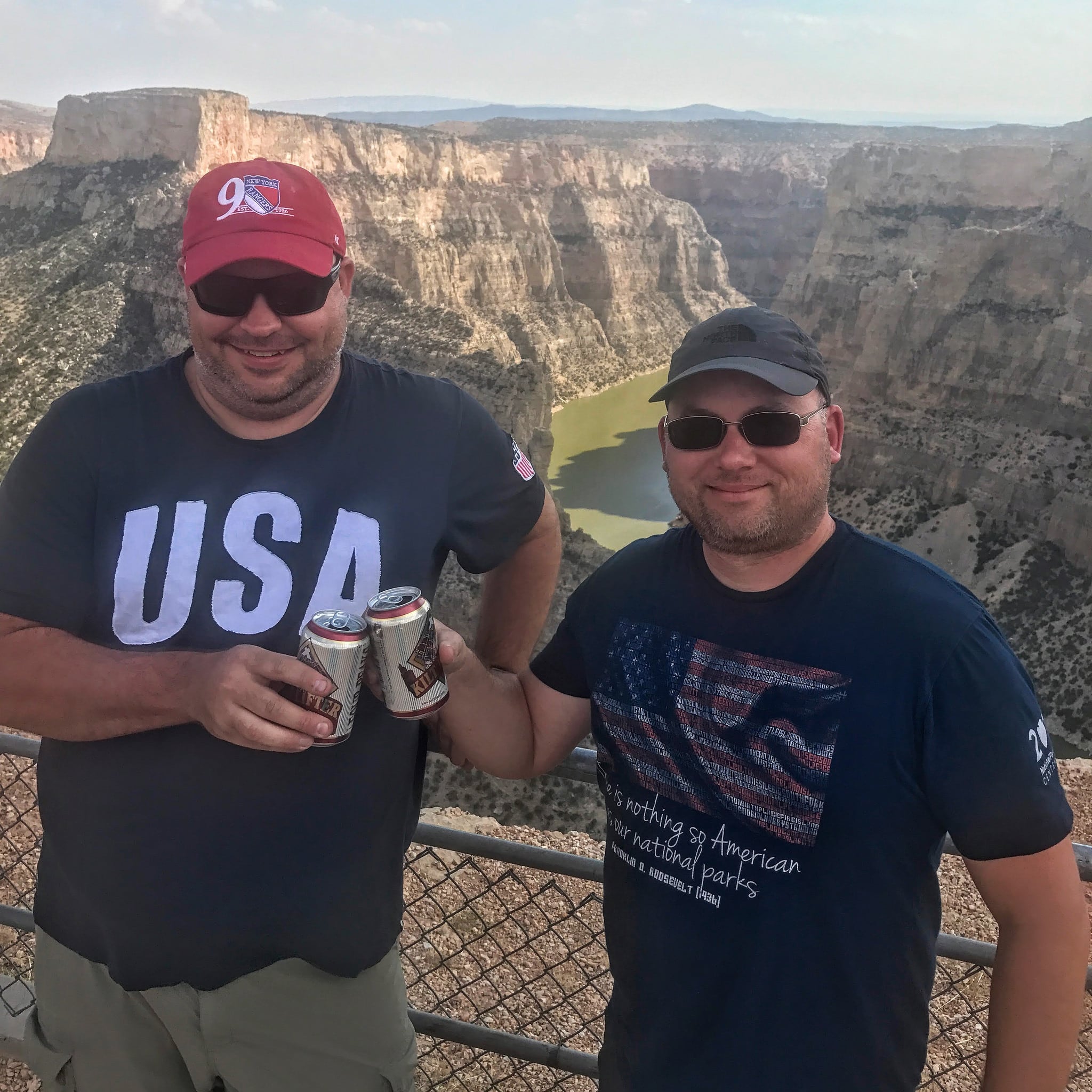
That means when you're planning your national park trips, you should strategize about how you'll mark off the other units in the area you're traveling to. Sometimes you'll realize that it makes sense to alter the trip to favor a further-flung park unit over a closer one, simply because it will be easier to get it done now than to orphan it later. Some of this is guesswork, and your plans may change in the future, but it's important to have a strategy nonetheless.
Leave enough time to be amazed
Sometimes, you won't expect much from a park unit, but after arriving, you just fall in love with it. Sometimes, it's the unit itself—an incredibly moving visitor center, for instance. Other times, it might be an unexpected wildlife encounter. Or maybe even some weather, like a low cloud that poured into the battlefield, totally changing the character of your experience.
If you're on a quest, you'll likely be traveling fast. But that doesn't mean you shouldn't plan some flexibility into the trip to allow you to enjoy these pleasant surprises. I tend to purposefully overestimate how long I'll need for smaller sites, which means that I'm routinely "ahead of schedule" during my trips. This helps offer a bit of a buffer for those times when I end up spending much more time at a place than I had anticipated.
Start a tradition—or several
One of the most fun aspects of a large quest is having a tradition. Or rather, several traditions. It's particularly gratifying when you're far into your quest and you have a consistent collection of photos or souvenirs from each of your destinations.
One of my favorite traditions is holding up a number indicating how many parks I've been to at each new park unit I visit. Unfortunately, I didn't consider doing this until I had already been to 267 of them. So while I'm nearly up to unit 400 by now, I'm still missing 2/3rds of the shots I would have had—had I simply considered what type of traditions I should create when I first started the quest. Now maybe the idea wouldn't have come to me at the time, but I really wish I had at least spent 10 minutes proactively thinking about it before I got started.
Here are some common national park traditions:
- Photo of the park entrance sign
- Getting a park passport stamp
- Watching the park movie
- Completing a Junior Ranger program
- Photo of a park's Mather plaque
- Attending a ranger program
- Photo of a traveling "tchotchke"
- Taking a selfie with a park ranger
- Mailing themselves a postcard from the park
Collect something from each park
Similar to creating special park traditions, many park questers begin collecting certain items from each park. Maybe it's a magnet, or a pin, or a patch. Or maybe it's a postcard with a park passport stamp on the back. Others might pick out a book, or a little trinket. And just about everyone takes home an iconic "unigrid" park brochure.

These can make for great displays memorializing your adventures in the parks. But again, my advice is to think carefully about what you want to collect before you start off on your national parks quest. When I first started out, I thought it'd be great to collect patches. And so I collected scores upon scores of them. Until, that is, I realized that it was going to be hard to ever display them in a useful way. Was I going to spend $5 on a parks patch, and do so hundreds of times over, just to have them sit in a shoebox? Because I have more than hundred that have been just sitting there ever since. Had I thought it through a bit more, I likely would have opted for something else to collect. In the end, I switched over to pins, which I have in two large display cases on my hallway wall.
I shouldn't have to say this, but your collection shouldn't include any park resources—leave those at the park. Yes, that includes things like pine cones, small rocks, or any other items you didn't buy at the park bookstore or receive from a park ranger.
Keep track of the personal stories, not the park facts
Lastly, I'd recommend that if you do end up documenting your national park adventures—whether that's in a journal entry, a blog post, or even a video—that you don't just focus on park facts. A decade into your quest, you won't care about that stuff, which is just a quick google search away if you need it. You probably don't need to transcribe what type of sandstone that arch is made of. You don't need to remember how old John F. Kennedy was when he moved away from his childhood home. The number of Japanese Americans interned at Manzanar NHS isn't what you'll wish you recorded in your journal, or had committed to memory.
Instead, focus on how you felt while you were in the park. What had you been most excited about before arriving, and what surprised you about the place once you got there? Did something you learn change the way you think about something else? What was it like to emerge from that dense forest onto the shore of that backcountry lake? How did it feel to stare at John Muir's personal desk? What did you imagine when you read the stories of immigrants at Ellis Island? Who did you wish was with you to experience that sunrise on Cadillac Mountain? What memory did the smell of the creosote in Saguaro National Park immediately conjure up? How did you feel when you arrived home after the trip?
Those are the types of items to journal or blog about when you reflect on your latest national park visit. Trust me—those are the details that you'll most appreciate looking back on decades from now.
Don't have a travel quest yet?
You should. You'll love it. And I promise you that it'll be worthwhile. Read my guide to questing to get started.
If you love quests, or are thinking of getting started, check out #GoQuesting.
How to keep track of your hikes using Google Forms
There are dozens of ways to keep track of your hikes, from relying on your gps track history to simply writing it down in a trusty notebook. Each method has its own benefits and downsides.
I used to keep track of my hikes by writing the date and the names of my hiking companions at the bottom of the page in whichever hiking guidebook I was using. It worked well enough back in the 1990s, when guidebooks and magazines were the primary sources of trail information. But now that trail databases have migrated to the internet, that old system is only occasionally applicable. I've also run out of room on the pages of my favorite local trails that I hike frequently, or upgraded to newer editions and abandoned my old notes.
I now keep track of my hikes by creating a simple Google Form that I've bookmarked on my phone. It's free, easy to set up, and you can customize it to track whatever information you want. Best of all, it's always right there in your pocket when you need it, and the data is easy to use and store well into the future.
Why keep track of your hikes
If you're just a casual just-once-in-a-blue-moon hiker, then it probably doesn't matter if you track your hikes or not. But if you hike more regularly than that, I'd recommend you start doing it. This is especially true if you have a personal hiking goal like the #52HikeChallenge. It's a quick little habit to start that you might really appreciate having access to later.
In addition to keeping track of your personal goals, a hiking log can make it easier to figure out which trails you've already hiked and with whom, including any special or noteworthy details that you won't find in guidebooks or online trail descriptions. I particularly like keeping notes on memorable things that happened during the hike, such as stumbling across some pottery sherds, or an interesting animal encounter, or what day the wildflowers started to bloom that year. Since you customize exactly what you keep track of it, you can also include whatever tidbits you don't want to forget.
Hiking logs also serve as a helpful historical record of your hiking accomplishments. They can be used to calculate and analyze statistics such as how many miles you've hiked this year, how many times your pooch joined you on the trail, or how much faster you hike that local quad-burning trail now that you've gotten into better shape.
Tracking hikes for the #52HikeChallenge
The 52 Hike Challenge is a great idea, but their tracking spreadsheet isn't the easiest to use on a phone. As a fellow challenge hiker, I find that a simple Google Form makes entering my hike each week much, much easier. Even better, I get to capture more than what the 52 Hike Challenge tracking spreadsheet does, which makes the log that much more useful to me.
Benefits of using Google Forms
There are a variety of mobile apps out there that you could use to track your hikes—many of which include useful features like GPS tracks and trail maps. But as new apps are released, feature sets shift, or subscription fees change, many hikers find themselves switching between apps or using them for only a subset of the trails they hike. For instance, I'll rarely fire up Gaia GPS for a local hike in the nearby Phoenix Mountains Preserve, as I know exactly where I am at all times. On the flipside, I probably won't use a GPS app on my phone to track a long day hike in the Superstition Wilderness due to concerns about my phone's battery life. Another problem lies in trying to export your data from many of these apps; it's not always an easy task.
The end result is a mishmash of hiking data siloed in multiple apps, or missing entirely. But with your own custom Google Form, you can solve many of these issues by simply logging your data in the form after each hike, no matter which GPS app you might use to track your route. Or, if you didn't use one but know the basic details of the hike you completed (such as the distance and elevation gain), it's easy to enter that data later—something that's impossible to do with many of the leading hiking apps. Sometimes, simple is just plain better.
Best of all, it's free and all you need to get started is a browser and a google account. And since it dumps the data into a basic spreadsheet, it's rather easy to analyze the data. That allows you to do things like quickly total up your cumulative hiking miles for the year, figure out how many feet of elevation you climbed, or total up how many different trails you hiked during the year. And depending on which fields you include, you could also analyze all sorts of other interesting tidbits, as well. Since it's all contained in a simple spreadsheet, that data is easily transportable too, so you don't have to worry about future software incompatibility.
Which fields to include
You have a lot of options here, so spend a few minutes to decide what items you'd like to keep track of. If you're on the fence about something, my recommendation is to include it on the form and make sure it's not a required answer. If you later decide to stop logging data for that item, you can simply ignore or delete that field when you review the spreadsheet later.
Here are some possible options of data to collect—you'll need to decide for yourself which ones to include.
- Date of your hike
- Name of the trail(s) you used
- Mileage hiked
- Elevation gain
- Duration (how long did it take you to hike?)
- With whom did you hike?
- Was this an organized group hike? (you can even use a drop-down menu for your common hiking groups)
- Did you lead this hike?
- Did your dog(s) join you?
- Did you record a GPS track?
- Link to the GPS track
- Your personal rating of the hike (use the linear scale field type; keep in mind that you can create multiple rating questions, each on a different aspect of the hike, if you'd like to get detailed)
- How tired you were hiking the trail (or maybe how many times you had to stop to take a breather)
- Links to photos
- Links to blog post
- Wildlife encountered
- Type of trail (e.g., out-and-back, loop, lollipop, etc)
- Location type (such as national park, wilderness area, state park, or city preserve)
- Where to find hike details (guidebook, link to website, etc)
- Rating on the "Fun Scale"
- Notes (capture any other details in this section)
How to use it on your phone
As I mentioned in the screencast, I strongly recommend that you add the form as a shortcut to your phone's home screen. A hiking log is only as good as the data you enter, so you want it easily accessible so you can get to it whenever you remember to log your hike.
The first step is to get the link to your phone's browser. There are a number of ways to do this, such emailing it to yourself, typing into your mobile browser manually, or using a universal clipboard. Once you have the link on your phone, it's a breeze to add the shortcut.
Keep track of other types of adventures
You don't have to use this solely for tracking your hikes—you can create forms to track any of your other adventures or outings, too. It wouldn't be hard to create separate forms to track things like how many nights you camped, what trails you mountain biked, or what lakes or rivers you paddled. I've even used google forms to get track of hikes I want to do, or at least to add to my adventure map.
Get started!
Be sure to check out the screencast above to learn how to design your hiking log. Then hop on over to forms.google.com to get started, and let us know in the comments if you have any other suggested uses or fields that others might want to copy.
I gave up the NFL to make more time for adventuring
Football season is once again upon us, but I won't be donning my favorite jersey on Sunday mornings this season, yet again.
Don't get me wrong. I grew up a San Francisco 49ers fan. Well, make that a rather passionate Niners fan.
How passionate you ask? Well, passionate enough to persuade force my parents to let me wear a Niners shirt during one of our few formal family portraits. Yes, that's an actual family photo from my childhood.
I remained a dedicated fan through my youth and into adulthood. I'd rejoice in the playoff runs and endure losing seasons. But my loyalty to the game—and especially my team—never waned. One of the true constants in my life has been spending my fall Sundays watching NFL football. I'd record and later rewatch Niner games so I could better understand how plays and the game unfolded. I attended game watching parties with the local 49ers fan club. I made a pilgrimage to Canton to worship the busts of 49er greats, and I could batter rival teams with an unusually comprehensive bevy of cutting insults. I owned far too many products sporting the team logo.
And then three years ago, I gave it all up—cold turkey.
In short, I gave up the NFL to make more time for travel and adventuring.
I boxed up all the shirts, hats, jerseys, cups, plates, and other memorabilia I owned and unfollowed countless NFL and 49ers social media accounts. That might seem a bit dramatic to some, but sometimes the best breakup is a clean break.
Don't get me wrong, I still love football. And my fall travel opportunities remain substantially limited by the football schedule—I'm an even bigger Sun Devil football fan, after all. But it all came down to choices. And while I loved watching pro football on Sundays (and Mondays, and even Thursdays), it wasn't worth devoting so much of my fall to the sport. Because it's not just watching a game or two or three every week, but also keeping up with the latest news, the latest conjecture, the nonstop discussion and analysis. You know, casually turning on the NFL Network and suddenly wondering what happened to the last two hours. There are surprisingly large phantom time costs involved. Until I opted out, I didn't realize that being a diehard pro football fan takes up a lot of one's free time.
Choosing priorities
Obviously, I'm not arguing that you should join me in ditching the NFL. It's simply a gentle reminder to be intentional with your time and attention.
Life is full of tradeoffs and opportunity costs. You can't have everything, so you have to prioritize based on what's most important to you. Maybe the NFL makes the cut in your own life. For me, making space for more adventures—even if that's just squeezing in a hike or day trip each Sunday—was more important than participating in America's most popular fandom. And yes, even if it was something that I truly did love.

Don't get me wrong—I do occasionally miss it, at least a bit. But overall I'm pretty happy with my decision...surprisingly so, in fact. I had expected it to be more difficult than it really was. I had forgotten that it can be a bit of a relief to step away from something; doing so often provides an odd yet empowering sense of newfound freedom. And when I can direct that new freedom towards something I love doing even more? Well, that's worth making the change.
As I dropped the NFL, I also made a conscious effort to curtail my investment in college football. I don't read up on other teams much anymore, nor watch random games on television, even when it's a much-hyped matchup of top 5 teams. In fact, it's rare that I watch a game that doesn't involve my Sun Devils. Ok...I admit that I still occasionally gleefully watch that awful team down south lose again, just for funsies.
Making some choices
If you want to travel more, or go on more adventures, then you may need to make some adjustments to your life to make that possible—whether that's freeing up time, saving money, or both. Often, that will involve some choices—potentially hard choices—about where you place your focus.
I'm often asked how I manage to travel as much as I do. Some of it stems from some pretty big decisions I've made in my life, such as choosing not to have kids, or not pursuing more financial stability by working 70 hours a week in order to climb the corporate career ladder. And it's also because of how I travel—traveling fast and camping in order to avoid the expense of hotels—even when I have to fly to my destination. But it's not just those things alone. It's also the priority I generally give travel in my life.
It means skipping happy hour after work on Tuesday so that I can do laundry and prep for a weekend trip, so I can leave immediately after work on Friday. Or choosing a cheap sub over a nicer restaurant so I can save some gas money for next weekend's road trip. Or typing this on a 6 year-old MacBook Pro, even though my battery is toast and I've been dying to upgrade. It means driving my car into the ground before replacing it with something better.
But it's not just about saving money. After all, my divorce with the NFL centered on saving time, not cash.

Being time poor but great at bar trivia
I'm not well versed on pop culture. That's rather clear to anyone who knows me today. I haven't seen the latest movies, I only watch a handful of tv shows, and I don't spend any time following celebrities. Most modern pop culture references zip over my head. I'm simply not someone you want on your bar trivia team. I bet most of the people who've met me in the last decade or so would assume that's just "who I am."
The truth is, that wasn't always me. I used to go to the movies at least once a week, and I had enough shows I watched regularly that it was a constant struggle to keep a sliver of space available on the DVR. And I sought out all the football I could find, at least when I wasn't playing it on xbox instead.
It was actually a period of minimalism—an attempt to reduce the number of material possessions I owned—that helped spark the change. I was already thinking critically about what items I owned, and why I owned them, so it was natural to turn the same analysis towards how I spent my time. And it's astounding how much of a time sink all of this pop culture consumption can become.
The opportunity cost of time wasters
When I sat down and looked at how I was spending my time, something jumped out at me. It was all the things I didn't seem to have time for anymore. I wasn't reading any of the books I had bought. I hadn't written a blog post in ages. I wasn't hiking as often as I'd like—and when I was, I was simply returning to the same familiar trails instead of seeking out new ones. I had countless projects I wanted to work on, but I never seemed to have time to get started on any of them.
I was spending, at minimum, a dozen hours a week watching tv or movies that I didn't care too much about—shows I probably wouldn't miss if I just stopped investing in them. It's remarkably easy to keep watching a show after you're a season or two in, even if it's no longer especially entertaining. The sunk cost fallacy and simple inertia are more powerful than we realize. And as a result, I was stuck just passively consuming entertainment instead of creating my own.
So, let me pose a question. What could you accomplish with an extra 12 hours a week?
Could you spend some of that on a side hustle that could fund that big trip to Alaska you've been fantasizing about? Could you plan out some weekend adventures that you might not otherwise had gotten around to taking? Could you spend it learning how to be a better photographer, or maybe a better photo editor? Could you spend it prepping your gear so your next trip was easier to prepare for? Could you spend a day finally completing that day hike that's been on your list for a decade?
Would any of these things inspire you to cut out a few hours of senseless sitcom watching each week? Because it sure did for me.
A constant reassessment
There are simply endless ways to waste time—and that was true long before social media cratered our collective productivity. But the key is to be proactive in deciding what's most important to you and what's worth the time you give it. And let's be clear: I'm not perfect at this, by any means. I'm surely due for a reassessment of how much time I spend on twitter, for instance.
An important thing to keep in mind is that your own priorities will likely change over time. This endeavor is something that requires periodic re-evaluations. And to be truly valuable (and I'm convinced it is), this requires candidly honest assessments, not simple rationalizations.
The point is to be open-eyed and intentional about how your time gets spent. If you want to just get out more, then you may have to make some trade-offs to accomplish that. You may need to reduce some of your existing time commitments, even if that means renegotiating your relationship with something you otherwise enjoy—maybe even something like the NFL.
Have you cut out something from your life to make more time for travel and adventure? Tell me about it!
Travel Camping: how to fly and camp in a rental car
The cheapest way to travel
One of the best ways to save money while traveling is to camp instead of staying in a hotel. Some people might think that this strategy is limited to destinations you can drive to. But it's not. With a little bit of planning, you can save big on your trip by flying your trusty camping gear and picking up a few items along the way. I call this fly-and-camp strategy travel camping.
Here's what you need to know to give it a try.
But, wait...
"I don't want to waste money on things I'm barely going to use."
That's often the first response I get when someone first hears about travel camping. Yes, you will likely buy some things on the trip that you won't use all of, or that you'll only use a few times before discarding. For budget travelers, it can feel especially weird to pick out a cooler that you only intend on using for a week or so. But that doesn't mean that it doesn't make financial sense.
After all, substituting just a single night of camping in place of a hotel stay will undoubtedly save far more cash than you'll spend on any items you'll have to discard later. When you add together several nights—and especially if you include cooking some meals at camp—then you're suddenly saving hundreds and hundreds of dollars. Don't take my word for it; after reading this post, do some sample math for your next trip and see how much you'd save by travel camping. We could all use some more travel money, right?
To be fair, travel camping isn't always the best choice for your trip. For instance, if you're heading to the Sonoran Desert in the summer, I'd recommend staying in a hotel with air conditioning instead of sweltering in a tent (a free tip from this Arizona native). Similarly, I'd much rather pay for a hotel room than camp in a Minnesota winter.
And if your primary destination is a major metropolis, your camping options might be pretty limited or less convenient—though sometimes you can be surprised. For instance, there are camping options just across the Golden Gate Bridge from San Francisco, campgrounds within a 10-minute drive of the major Scottsdale resorts, and plenty of "this-will-do-for-the-night" private campgrounds and rv parks at the edge of most large cities.
Your gear bag
The first thing you'll need to get started with travel camping is some sort of gear bag to carry everything you're bringing with you. I happen to use a large rolling duffel bag for this, but you have quite a few options here. The key is to use something that meets your airline's baggage limits so you don't have to pay any oversized baggage fees (typically triggered by anything that exceeds 62 inches when you add together the bag's length, width, and height).
Similarly, you'll want to make sure that this bag doesn't get too heavy to avoid overweight charges, usually bags weighing more than 50 lbs. Depending on what you're bringing, that might mean strategically carrying some heavier items in your carry-on to help better distribute the weight. Likewise, some items might simply fit better in a standard carry-on suitcase than a large duffel bag, so keep that in mind when you're packing too.
I usually try to check a single gear bag of camping gear and stashing my usual carry-on suitcase in the overhead bin. I also carry a daypack as my so-called personal item (be sure that this meets your airline's size limits, which seem to be getting smaller and smaller). If you plan on travel camping often, you might want to consider buying a large rolling duffel for your gear bag; it's the easiest to carry around the airport and to your rental car. I've gone years without one but recently upgraded and it was worth the expense.
What's allowed in checked vs. carry-on luggage
Not sure what items you're allowed to fly with? Below is a list of camping-related items and whether or not they're allowed in checked or carry-on luggage. Please note that these rules can change regularly, so please double-check the TSA list before your trip. Also keep in mind the liquids rule for carry-on baggage when you're packing.
What camping gear can you bring on the plane?
Some items are allowed only in your checked luggage while others can only be in carry-on baggage; a few items aren't allowed in either checked or carry-on luggage. For more details on each type of item, check out the links I've provided.
- fuel canisters - neither
- camp stoves - both, as long as they are cleaned and no residue fuel or odor remains
- sharp blades (knives, leatherman/multi-tools, etc) - checked only
- scissors - depends on blade length
- disposable & zippo lighters - carry-on only (unless empty)
- torch-style lighters - neither
- strike anywhere matches - neither
- safety matches - carry-on only
- tent stakes - checked only
- lighter fluid - neither
- firestarter - neither
- hand warmers - both
- hiking poles/walking sticks - checked only
- corkscrews with a blade - checked only
- corkscrews without a blade - both
- bear spray - neither
- snowshoes - both
- crampons/snow cleats - checked only
- coolers (empty) - both
- hatchets and axes/ice axes - checked only
- hammers/mallets - checked only
- sunscreen sprays or bug repellent - both (following liquids rule)
- flashlights - depends on size
- utensils - both (but no sharp/pointed knives in carry-on)
- tripods/monopods - both
- wet wipes - both
- emergency beacons - check with airline
- solid candles - both
Sleeping arrangements
The first thing to decide when planning your trip is your sleeping situation. Will you bring a tent? Will you rent an SUV or a minivan that you can sleep in the back of? Are you a hammock sleeper? You'll also want to consider where you'll be sleeping. For instance, will you be staying in developed campgrounds, dispersed camping on public lands, or stealth camping in a city?
The answers to these questions will help determine what gear you'll need. For instance, if you'll be sleeping in a vehicle, then you don't need to bring your tent. And if you're staying in a developed campground, then you'll likely have a picnic table that you can use for both cooking and sitting at. Consider what items are important for you to have given the circumstances you'll likely find yourself in.
Will you be cooking?
The next big question you'll want to answer is whether or not you will be cooking any meals. Cooking your own meals usually saves you a ton of money while traveling, but it also requires additional gear and takes time away from other activities.
Not cooking
Even if you decide to eat out for all of your meals, you'll still save hundreds of dollars by camping. Just be sure that you'll be near appropriate restaurants during your expected mealtimes—especially if you have any dietary restrictions. You don't want to find yourself hungry and in a remote area after hours with no place to eat.
You might want to consider how you could supplement your meals with snacks or beverages to save additional cash. For instance, even if I'm not planning on bringing a stove and cooking during a trip, I might still grab some food and drinks to have with me. I sometimes pick up some sort of small cooler (even if it's a cheap "keep-groceries-cold-on-the-drive-home" style) and toss in some sodas, water, beer, and few snacks—just so I have some options if I get hungry or for when stopping for food isn't convenient.
Cooking
Being prepared to cook at least some meals provides you with the most flexibility on your trip. After all, you can always grab a bite at a restaurant if you're feeling lazy or if you run across a place that's too good to pass up. You'll want to do some pre-planning before you hop on the plane, though. First, you'll likely need a few basic items: a stove, a cooler, pots/pans, plates/bowls, and utensils. Depending on your trip and what you already own, you could bring all of these, buy them all at your destination, or a combination of the two. I tend to pack gear I already own that's easy to bring on the plane, and then buy the remainder when I arrive.
What to bring and what to buy there
While I own plenty of compact and lightweight backpacking gear, I usually bring slightly bulkier car camping gear when I do these sorts of trips. For instance, I prefer to bring my Coleman single burner stove that uses one of those ubiquitous green 1 lb propane canisters over my much smaller backpacking stove that uses a harder-to-find isobutane canister. While the larger stove is a bit bigger to pack, its fuel canisters can be found at just about any grocery store, gas station, or Walmart. It also cooks a bit more evenly and is more stable while holding a heavy pot. The same goes for my cookware; it's usually my weekend car camping set, not my lightweight titanium backpacking pot. Keep in mind that this is just personal preference, so choose the gear that works best for you and your trip. [Update: we've recently bought this stove, which we paired with a converter so it can use the 1lb propane canisters—this is now our preferred travel camping system].
Plates, bowls, and utensils are items that you can either decide to buy there—you can usually pick up disposable items for relatively cheap—or to bring with you, depending on space considerations. Remember that if you're cooking, you'll also need to consider how you'll be doing dishes, too (this is where disposable items are especially useful). You can often find free condiment packets, salt & pepper packets, napkins, and plastic cutlery at most big gas stations, grocery store deli counters, or fast food restaurants. I often snag some of these instead of buying large quantities I'll never use up during a trip. However, I do bring some smaller and less common items (like a particular seasoning I like on my sandwiches) along with me so I don't have to buy a large container of something I'll use just a bit of.
You can't bring stove fuel on the plane, so plan on buying a canister when you arrive. You'll also need ice and a cooler, too. You can usually pick up a cheap plastic cooler for about $15-20 or so; I usually grab either a 28 qt or 48 qt size, depending on how much food and beverages I plan on having at any one time. I also pick up a cheap plastic bin to keep my food dry inside the cooler. My general preference is to buy just a few days' worth of food at a time instead of plotting out every meal for the trip in advance; I always seem to end up with quite a bit extra food/drinks when I try to buy it all at the start. Also don't forget to grab a gallon or two of water. You can usually refill these at campgrounds when you run low.
The cheaper (and less enviro-friendly) styrofoam coolers are also an option may people consider, though they come with quite a few downsides. First, you'll need a lot more ice to keep your food cold, as the lid doesn't close very well. They can also be a bit top-heavy, so you'll want to brace them in the vehicle so they don't tip over. Unfortunately, they also squeak quite a bit (especially when braced in), which quickly drives everyone in the vehicle nuts. No matter which route you choose, check out my post on how to make ice last longer in your cooler for some useful tips.
I do my best to buy only simple, easy-to-prepare meals that don't require many a long list of ingredients to make. Items that can do double-duty in more than one meal are great too. For instance, sliced cheddar cheese works great in both grilled cheese sandwiches and as a snack when paired with pepperoni and crackers. Items that don't need to be kept especially cold—like the aforementioned cheddar cheese and pepperoni—make it a bit easier to manage while you're on the road. I generally recommend sticking to foods and meals that you're already used to making and that you enjoy eating. It's never fun when dinner isn't as appetizing as you imagined it'd be, or worse when doesn't quite agree with you and you're stuck running repeatedly to the campground toilet.
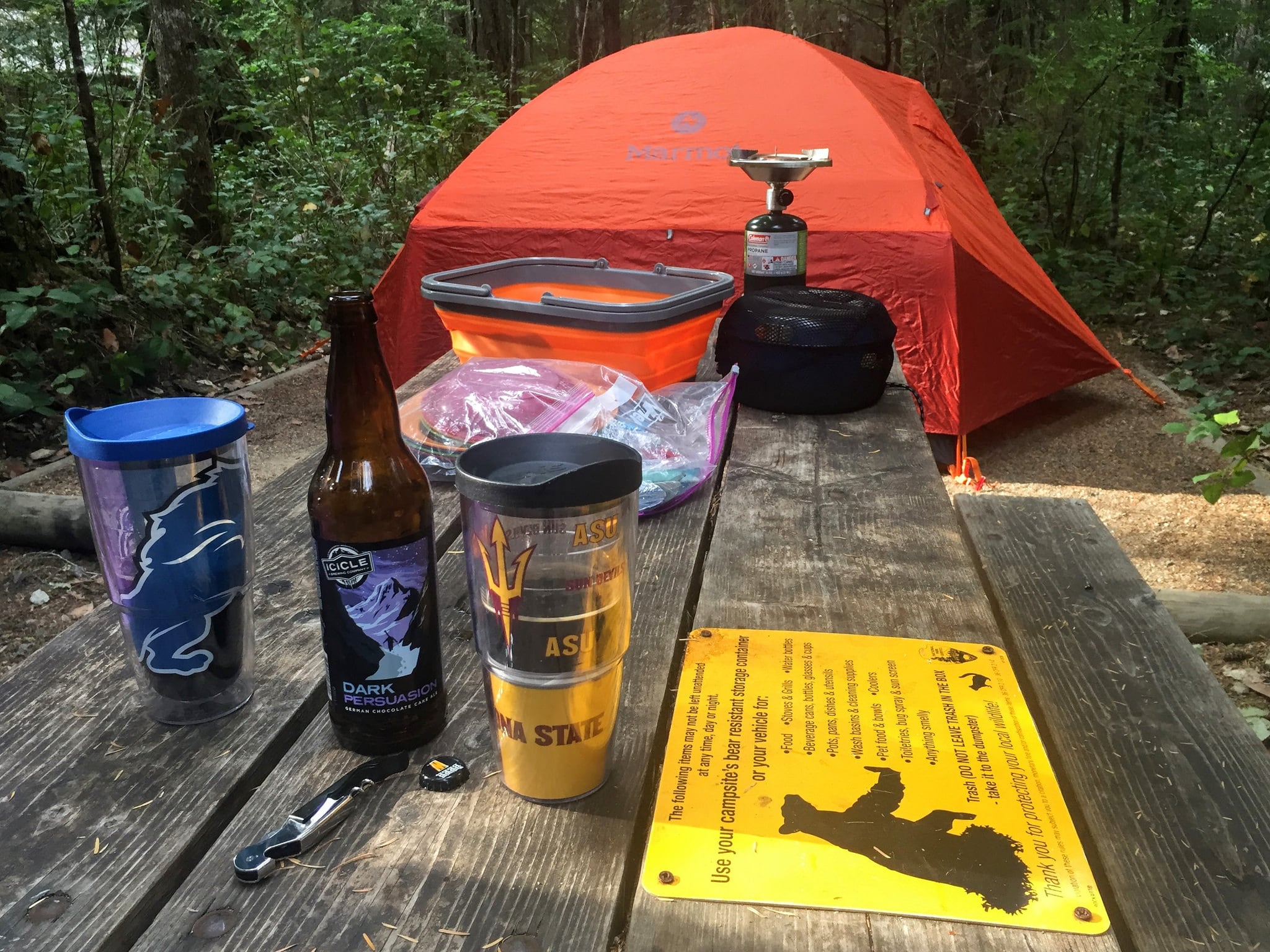
Here's exactly what gear I've brought on trips
Every trip is a bit different with its own unique gear needs. In the collapsible sections below, I've listed the gear I packed for three very different travel camping trips. The first was a road trip through the Pacific Northwest where we brought quite a few luxury items. That's much different than our trip to Hawaii, which featured just the basics for sleeping at a campsite. The last trip—a solo, fast-paced but frugal road trip through the South—sat somewhat in the middle of the other two. I've listed these to provide a bit of context into the various pieces of gear you might bring for each kind of trip. Keep in mind that your own travel or camping style may require a much different packing list than what I brought.
Roadtripping the Pacific Northwest
This trip featured a combination of hotel stays (3 nights in Seattle early in the trip, and then a night in Bend in the middle) along with 7 camping nights scattered across Washington. We had opted for a cheap economy rental car, so we would be sleeping in our tent. Our schedule was rather variable—some places we'd just be quickly crashing for the night, while others we'd stay for three nights and spend a lot more time at the campsite. We were also a bit worried about possible rain, wanted to ensure that we could shower at camp, and expected to spend several nights enjoying an evening campfire. As a result, we brought quite a few "luxury" items that I normally don't bring on travel camping trips. Because of the crowds expected for the impending solar eclipse, we also reserved sites in developed campgrounds for each night we weren't in a hotel. Each of them had flush toilets, but only one listed shower facilities.
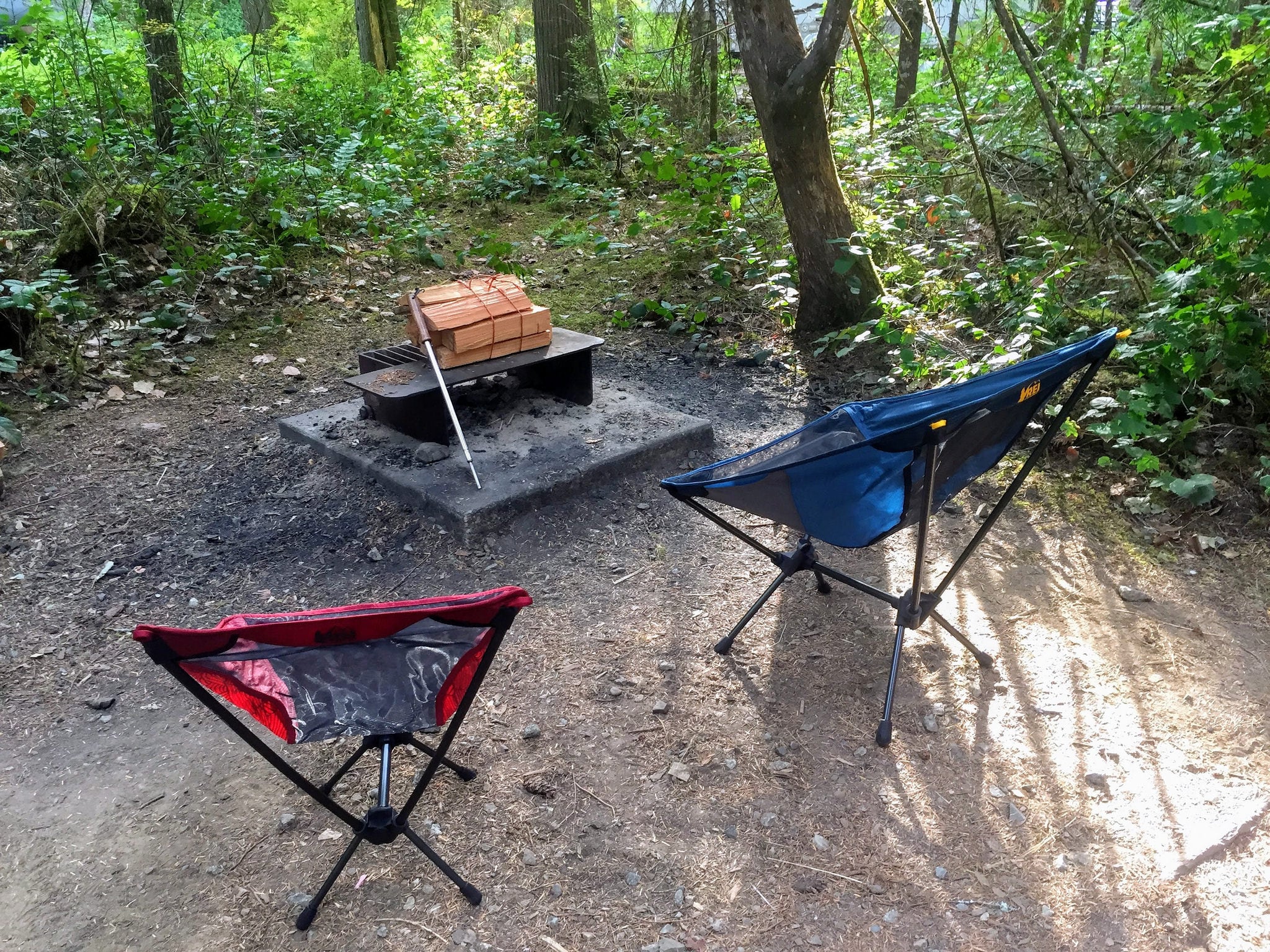
The main video above provides some additional context and reasoning for the items we brought. Here's the list:
- 3 person tent
- sleeping pads [mine, Jen's]
- sleeping bags [mine, Jen's]
- fleece throw blankets
- camp/travel pillows
- camp lanterns
- headlamps
- camp towels
- backpacking chairs [mine, Jen's]
- cheap ikea doormats
- camp fire poker
- tarps
- paracord
- bungee cords
- extra tent stakes
- ziploc baggies
- all purpose camp knife
- single burner propane stove
- nesting pot/pan set
- sponge/soap/scraper dishwashing kit
- plastic plates & bowls
- plastic cutlery
- spatula
- kitchen knife
- thin plastic cutting board
- bottle opener/corkscrew
- spices/seasoning
- tervis-style insulated cups
- folding sink
- camp shower
Island-hopping around Hawaii
This trip was evenly split between hotel nights and camping, which saved us well over a thousand dollars due to Hawaii's expensive hotel rates. We decided to skip cooking and eat out every meal on this trip for two main reasons. First, we were bringing all of our snorkeling gear, so we weren't sure it'd all fit in our normal gear bag and didn't want to pay for an additional checked bag. We had several inter-island flights, so not only would we have to pay for that extra bag on each flight segment, but we'd also have to continually buy additional supplies (like a cooler and stove fuel) between flights. This just seemed like too much of hassle.
Because the climate in Hawaii is so mild, we skipped warm sleeping bags and instead brought a $23 lightweight full/queen comforter from Ikea to share. It was tightly rolled in plastic, so it was easy to pack for the flight there. But we weren't sure if we'd be able to get it packed again once we used it, so we were willing to donate it instead of bringing it home. With some compression straps, however, we managed to make it fit and we've used it on several other road trips since then. Sometimes, picking up some additional gear is worth ensuring you have a great experience.
As you can see from our gear list, you really don't need much to pull off a few nights of camping—especially if you aren't going to be cooking.
- 3 person tent
- sleeping pads [mine, Jen's]
- comforter
- camp/travel pillows
- camp lantern
- headlamps
- camp towels
- sandals
- corkscrew/bottle opener
- silicon bottle topper (in case we didn't finish a bottle of wine in one sitting)
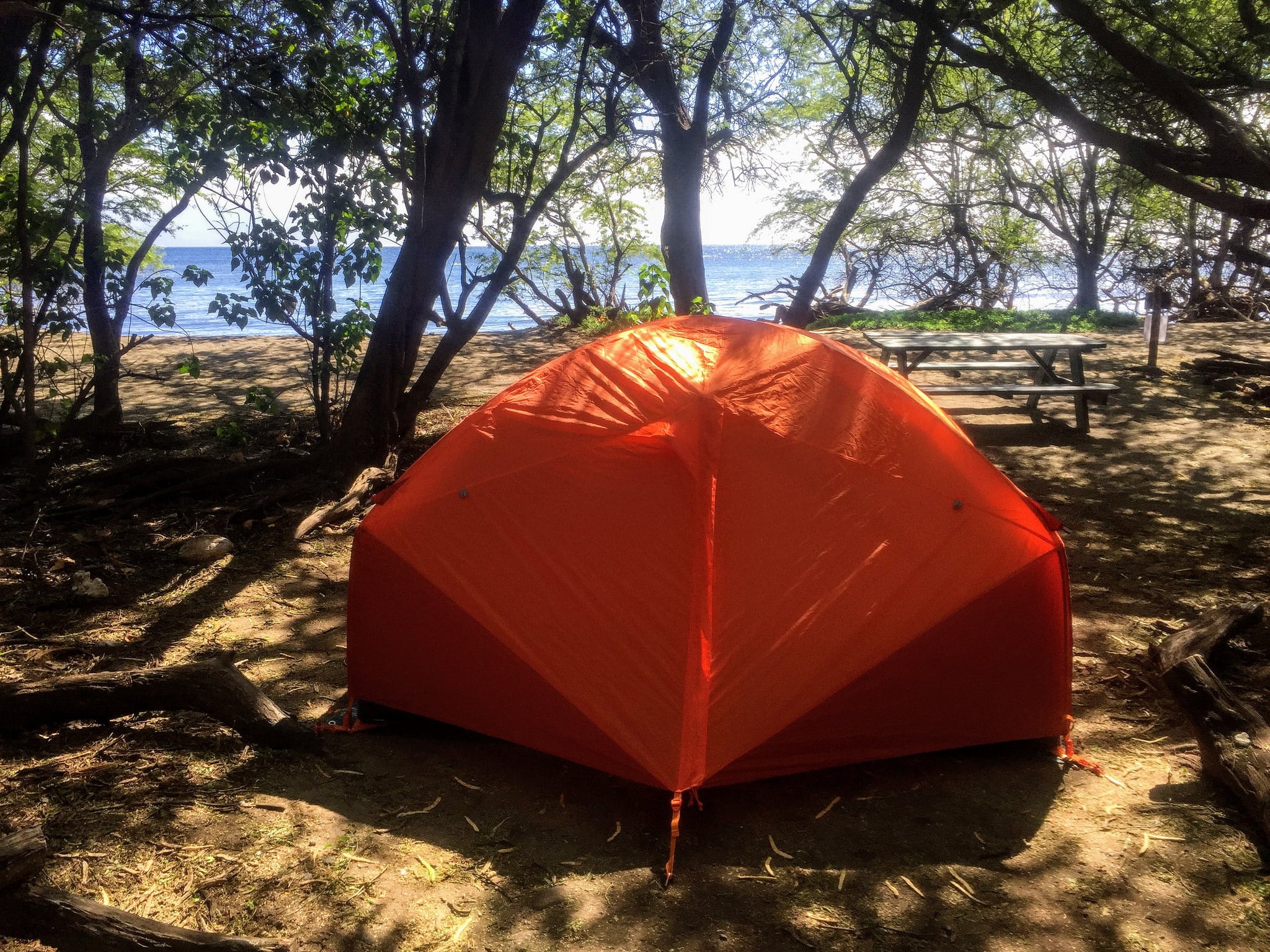
Quick note about where we camped
During this trip, we primarily camped at Camp Olowalu on Maui. They have recently renovated their campground and installed some very nice outdoor showers and toilets. We loved the place—we even had our own private beach that we could snorkel off! Best of all, it cost $20 a night instead of the $280 we would have paid in the city. To be honest, we actually enjoyed the campsite more than any of the hotels we stayed in and should have booked several additional nights there. Did I mention that we hung out with some sea turtles right off the campsite?
A frugal road trip around the Deep South
Last spring I did a 9-day multi-state road trip around the Deep South to mark off a handful of national park units and other attractions I hadn't yet visited. With an expensive trip to the US Virgin Islands & Puerto Rico coming up just two weeks later, I really needed to pull this trip off as cheaply as possible. I was able to pick up my flights using airline miles and had one free hotels.com night stay to use, so I'd need to camp the rest of the time to make my budget.
Because this would be a solo trip and I had an aggressive itinerary of destinations to visit, I knew that it'd be go-go-go the entire trip. I also didn't have a set itinerary planned out in advance, so I'd need to look for a campsite on the fly. I usually prefer to save my longer drives for after sunset in order to maximize what I can see during the day, so it seemed likely that I'd be arriving in camp late each night after driving several hours from my last destination.
So while I brought several items intended to comfortably pass the evening hours at camp—the hammock, tent, and backpacking chair, for instance—I fully expected that I'd be arriving late and leaving early. On this trip, camping was primarily just a way to save money on hotels. Because I got a great deal on a large SUV for the trip, I mostly planned on sleeping in the back of the vehicle. This would allow me to avoid setting up and tearing down camp every day, saving me both time and hassle—especially since the forecast called for rain for much of my trip.
I kept my meals simple and ate out about half the time. That usually meant bagels with cream cheese and a yogurt for breakfast, random snacks during the day (sometimes making a sandwich or heating up some soup or chili), and often grabbing a quick sub or some fast food for dinner before hitting a local brewery to sample their offerings. I ate cheaply in part so I could enjoy these brewery stops, which also gave me a great opportunity to research possible spots to camp each night. It also provided a bit of social time with locals (solo travel can get a bit lonely at times). If I was hungry later, I'd just heat up some soup or snack on something when I finally arrived at camp.
Here's a quick (and poorly-shot) video on what I brought with me for this trip. I've also included the list below.
- single person tent
- sleeping bag
- sleeping pad
- hammock and straps
- headlamp
- one-burner propane stove
- medium cook pot with frying pan lid & handle
- some snacks & drink mix
- mayo packets
- seasoning for sandwiches
- disposable bowls & plates
- tervis-style insulated cups
- plastic bin for cooler
- utensils
- bottle opener
- kitchen scissors
- kitchen knife
- koozie
- plastic camp cup
- ziploc baggies (variety of quart & gallon sizes)
- small daypack
- sandals
- hiking boots
- swimsuit
- backpacking chair
- nalgene bottle
- carabiners
- camp towels
- 2 reusable shopping bags
- power inverter (to charge my laptop)
- binder clips (I use these as "chip clips")
Other items you don't want to forget
- Headlamp
- Towel(s) for showering
- Camp/shower shoes
- Ziploc bags (especially useful for repacking snack foods)
- Can opener (though I try to only buy cans with pop-tops)
- Bottle opener/corkscrew
- Paracord
What to do with items that you can't bring home
If you purchase items like a cooler or other food you don't use, consider how you can best donate it at the end of your trip. If I'm staying at a developed campground, I'll often donate my half-full propane canister and other camping supplies to the camp host to use or redistribute to underprepared campers. Another option is to look up a charity like Goodwill where you can donate items like a cooler; I usually look for one that's on the way to the airport. With leftover food or beverages (and sometimes coolers), I usually donate them to panhandlers before I fly home.
Some recommendations for first-timers
If you're not a seasoned camper, you can still have an excellent travel camping experience. I recommend easing yourself in on the first trip or two so you can get the hang of it. That means:
- splitting your time between camping and staying in hotels
- reserving every campground you'll need in advance
- choosing campgrounds that provide both flush toilets and showers
- being ok with eating most meals out (in case you need or want to)
- scheduling a more leisurely itinerary
- bringing or buying some snacks so you always have something to eat
The goal here is to give yourself the best shot at enjoying the experience, even if you end up making some mistakes along the way. Once you get a trip or two under your belt, you'll have a better idea of what works best for you and your own preferences and can modify from there.
More on what I bring for my "personal item"
Have a good travel camping story?
Tell me in the comments!
This post contains affiliate links.
Why you should adopt a personal travel quest
I believe that travel quests are one of the best ways to inspire more travel. In fact, the original name of this blog was originally going to be VisitEveryPark.com—an ode to the quest that inspired so much of my own travel. That's how powerful I think quests can be to getting out and adventuring more.
Virtually everyone I know that travels frequently for pleasure is pursuing at least one personal travel quest. But that doesn't mean that their travel is always focused on those quests. Quests just tend to inspire you get out and adventure more.
So if you want to travel more, try adopting a travel quest of your own. Here's everything you need to know to get started.
The two types of quests
Personal quests are divided into two main types: ones that "count down" and ones that "count up." Some quests work better for counting down while others are better for counting up.
Quests that count down
Quests that count down usually take the form of "Visit all of the ________." As in, visit all 50 states, visit every National Park unit, or visit every craft brewery in the state. There are a finite number of stops baked into the goal, and you're usually trying to visit all of them. So you're counting down how many you have left. Now, that doesn't mean that the quest number stays static—it may not. For instance, when I started my National Parks quest, there were 379 units, whereas today, there are 417. But while the number may change, my personal goal really does stay the same: to visit all of the National Park units (however many that may be right now).
These types of quests are my favorite, but they're a bit harder, as you don't have any flexibility of which places are included. That's a big part of the challenge, and often requires a little strategy and foreplanning to pull off so that you don't "orphan" something off by itself that would require an additional trip.
Quests that count up
Quests that count up (e.g., "visit 100 countries before I turn 50") are still focused on a goal, but usually involve just a subset of the available destinations. For instance, visiting 100 countries is a big task, but it's quite a bit easier than visiting every country. These quests usually have a more specific deadline than "visit them all" style quests, often related to one's age. In addition, this type of quest is regularly expanded once the initial goal is reached. To continue the example, if you successfully visit 100 countries, you might extend the goal to 150 countries—or possibly even shift to a "counting down" quest and try for all the countries.
What about bucket lists?
I don't consider bucket lists, at least as they're traditionally defined, to be travel quests. Bucket lists are usually a rather random collection of destinations to visit, activities to complete, experiences to have, and accomplishments to achieve. They're a personal list of things to do before you die, where the items have no direct relationship to one another. Bungee-jumping, visiting the Taj Mahal, and earning a master's degree are too different of things to be considered a quest. Don't get me wrong, I think a bucket list is a worthwhile goal to pursue. It's just something different than a travel quest, so I won't cover them in this post.
Do challenges count?
Similarly, I usually don't consider personal challenges—like the popular 52 Hike Challenge—as quests, mostly because they tend not to be tied to specific destinations. Depending on the details of the challenge, however, they might be closely related and therefore share some of the traits I mention below. I'll address these personal challenges in a future post.
Travel quests help you travel more
Several qualities of travel quests help inspire travel. Here are some of the ways that quests have helped to inspire me to travel or adventure more often.
Quests ensure that you experience new places
It's easy to go back to the same ol' places when you travel. You know what to expect. You know how to get there. You know, generally, how the trip will go. It's comfortable and easy. It doesn't need as much planning, or require new gear purchases, or create any anxiety or angst. It's safe and familiar.
But it also doesn't expand your horizons, or teach you anything new, or provide you with an exciting new experience. In some ways, you lose out on quite a few of the inherent benefits of travel. Quests, on the other hand, help inspire you to visit different places, attempt new activities, adopt new perspectives, and expand both your skills and your comfort zone. That, in turn, helps expand your confidence to travel to even more places. The more you travel, the easier it gets.

Quests force you to go to places you might not otherwise go
A related benefit of quests is that they force you to go to places you might not otherwise visit. Not everyone would see that as a benefit, but you might be pleasantly surprised with places you had no intention of visiting. For instance, I had zero interest in visiting Topeka, Kansas—zero—but had to visit Brown vs Board of Education National Historic Site for my national parks quest. As a white male, I had never really understood what racism felt like, nor had I really sought out any experiences to learn. However, that visitor center had an amazing video display in a hallway that made you feel like you were one of the Little Rock Nine. It was one of the most enlightening experiences of my life. That's just one of several examples I could point to.
Quests impose some structure to your travels
Another benefit of quests is that you always have something on your "To Visit" list. It's easier to plan trips because you always have something on the agenda. Some people end up not traveling as often as they'd like simply because it's hard to narrow down the glut of available options—a sort of paradox of choice. Quests, however, can help impose some sidebars to your travels. You know that you want to make progress on your quest, so you've already limited available destination options to a more manageable number.
Quests serve as a goal
Quests provide an inherent incentive to travel more—a motivation to complete the quest by the deadline. As a result, you're more likely to pursue travel when opportunities arise. Let's face it, there are always plenty of barriers to travel; staying home is far easier than planning and completing a trip. Having a running goal helps ensure that there's a bit more impetus for making that trip idea come to fruition.
In a similar fashion, quests tend to inspire you to add more to your trip itinerary. "Hmm, what else could I mark off while I'm in the area?" is a common thought to someone with a quest. When you develop that attitude, you tend to bypass the barriers to travel that keep others at home.

Quests often contain some social pressure
Once you start to make some progress on your quest, especially if you do so publicly on a blog or on social media, you begin to generate a bit of public pressure to continue. This social reinforcement helps keep you on track and making progress. The more "public" your quest, the more reinforcement you get. Once friends and acquaintances learn of your quest, you'll likely get future inquiries on your recent progress—which helps to motivate you to keep marking off destinations.
Quests make unfun travel "worth it"
If you've done any amount of travel, you know that it's not all fun. Sometimes, it can be an absolute slog. The weather doesn't cooperate, you get stuck in traffic during your drive, you have to endure extended flight delays, and so forth. These delays and annoyances are a bit more tolerable if your trip involves making progress on a quest; after all, you're still completing something important to you.
Conversely, having a subpar experience while marking off a quest objective also makes you better appreciate the places that were great experiences.
Quests inspire more quests
Just as travel tends to inspire more travel, adopting travel quests tends to lead to even more quests. It's an interesting phenomenon—the more success you have completing your own personal quest, the more interested you get in adopting new quests or expanding your current quests. Travel inspires travel. The more places you check off your list, the more you add back onto it.
Quests make you feel accomplished
Completing one's goals usually leads to feelings of personal satisfaction. And finishing a big travel quest? Well, "feeling accomplished" might be an understatement. Now, it's a great feeling to finally complete a quest, even if it's not the most challenging one on your list. But it's absolutely true that the harder the quest, the greater the satisfaction. Either way, you'll routinely smile with pride whenever you recount the accomplishment in the future.
In addition, I tend to get regular praise from both friends and acquaintances, who often introduce me to others as "the guy I told you about that's trying to visit all the national parks." Sure, some people will occasionally be jealous, but most come away impressed and supportive. As an excellent side bonus, those that hear your goals will be encouraged to travel more. Truth be told, it's one of the main things that drives me to publish this site—I love the feeling of inspiring others to just get out more!
How to choose a travel quest
What's your hobby?
Do you love old cathedrals? Maybe you should go see a bunch of them. Maybe you feel most alive when you've conquered a tall mountain peak? Sounds like you need to do some peak bagging. Do you enjoy eating at windowless Chinese restaurants located in sketchy Phoenix neighborhoods? Ehh, on second thought, maybe you should skip that one—that would be a ridiculous quest, right? Anyway, the point here is to choose whatever sounds like it could be fun for you.
Or you can simply be open to the idea when you accidentally stumbled onto something interesting, as I often have. Sure, my early national park road trips quickly evolved into a broader quest to visit them all, and I've purposefully selected other quests for a specific reason. But my High Points of Otherwise Flat States quest arose from a friend's simple tongue-in-cheek comment that I should climb Mount Sunflower while I was driving through Kansas. I thought to myself, "Sure, why not?" and proceeded to have a good chuckle when I made it to the so-called summit. And a quest was born.
Similarly, I thought it'd be funny to visit the World's Largest Ball of Twine in Cawker City, Kansas on that same trip. I had a blast, and even ended up going to door-to-door in the town to find some twine so I could add to the ball. When I learned that two other twine balls also considered themselves to be the "World's Largest?" Well, I obviously had to go and judge for myself. Bam! Another quest.


Sharing a quest with someone
Sharing a travel quest with a close friend or significant other is an excellent bonding experience. It's fun to travel with people you enjoy spending time with, especially when you're chasing the same goal. Sharing expenses, driving duties, and trip planning often makes it all a bit easier, too. But, just like sharing a popular tv show like Game of Thrones with someone, it's also fraught with some potential downsides. Two people means that there can be twice as many barriers to travel, for instance—be it schedule conflicts, money woes, or a lack of motivation. It can be frustrating when you're excited to mark off the next items on your quest only to have your friend bail due to last minute work demands. Are you even allowed to mark off a destination without the other person? And if your quest was a "special thing" in your relationship that just ended in heartbreaking fashion, well...do you keep pursuing it? Spending a few minutes thinking these things over before you commit to a joint quest is probably a good idea.
Can you have more than one quest?
Of course! I have quite a few quests I'm currently working on. Some of them are long-term and difficult to complete, such as visiting 50 countries before I'm 50, or visiting all 419 National Parks units. Others, like visiting all of Arizona's State Parks, are far easier and can be accomplished on the weekends over the course of a year. I even have some "back burner" quests that I've adopted but aren't actively pursuing at the moment (primarily because of other, higher priority quests).
Micro-adventuring using mini quests
Not all quests need to be difficult or require substantial travel to complete. Some can be local and easy to accomplish, like picnicking in every public park in your town. These type of mini quests can help lead to small, everyday adventures that can be surprisingly fun.
For instance, my friend Wayne and I actually did complete that local quest to visit every sketchy Chinese restaurant in downtown Phoenix, complete with our own hybrid rating system. It wasn't hard to schedule several lunch visits over the course of a few months, but we had an absolute blast doing it. We even ran across a couple of legitimate gems...though the majority were definitely places to avoid. Our friends found the whole thing hilarious, so they'd often send us tips on possible restaurants to add to our quest list or check in to see when our next lunch was. The point here is that, no matter where you live, there are quests to be pursued.


Setting some rules
Exactly what is included in the list?
The first thing you'll need to decide is what exactly is on the list you're trying to complete. On the surface, this sounds rather elementary, but it can be more complicated than you might think. Let's use the example of a quest to visit every brewery in your state. First, which breweries count? Is it only locally-owned craft breweries, or are chain breweries included too? What about places that white label their brews, or ones that brew off-site? And keep in mind that these numbers might change as new breweries open and others close. Do you lose your "completed" status if another one opens the week after you finish them all? Or is your quest only focusing on the breweries that were in existence when you started the quest? A bit of thought will help sort this all out before you get started.
Exactly what counts as a visit?
Another important rule you'll need to decide on is "what counts as a visit." For instance, does a country visit count if you simply pass through its borders on a train and never deboard? Does it count if you drive across town to visit a craft brewery but they've inexplicably run out of their own beer? Are you allowed to count visits that occurred before you started the quest? These questions are best decided before you begin your quest—and trust me, they're bound to come up along the way.
Here's an important thing to remember: it's entirely up to you to decide what rules you follow. If you want to count airport layovers as visiting a particular state, then by all means go right ahead. Your quest = your rules. Quests are for you, after all, not for anyone else.
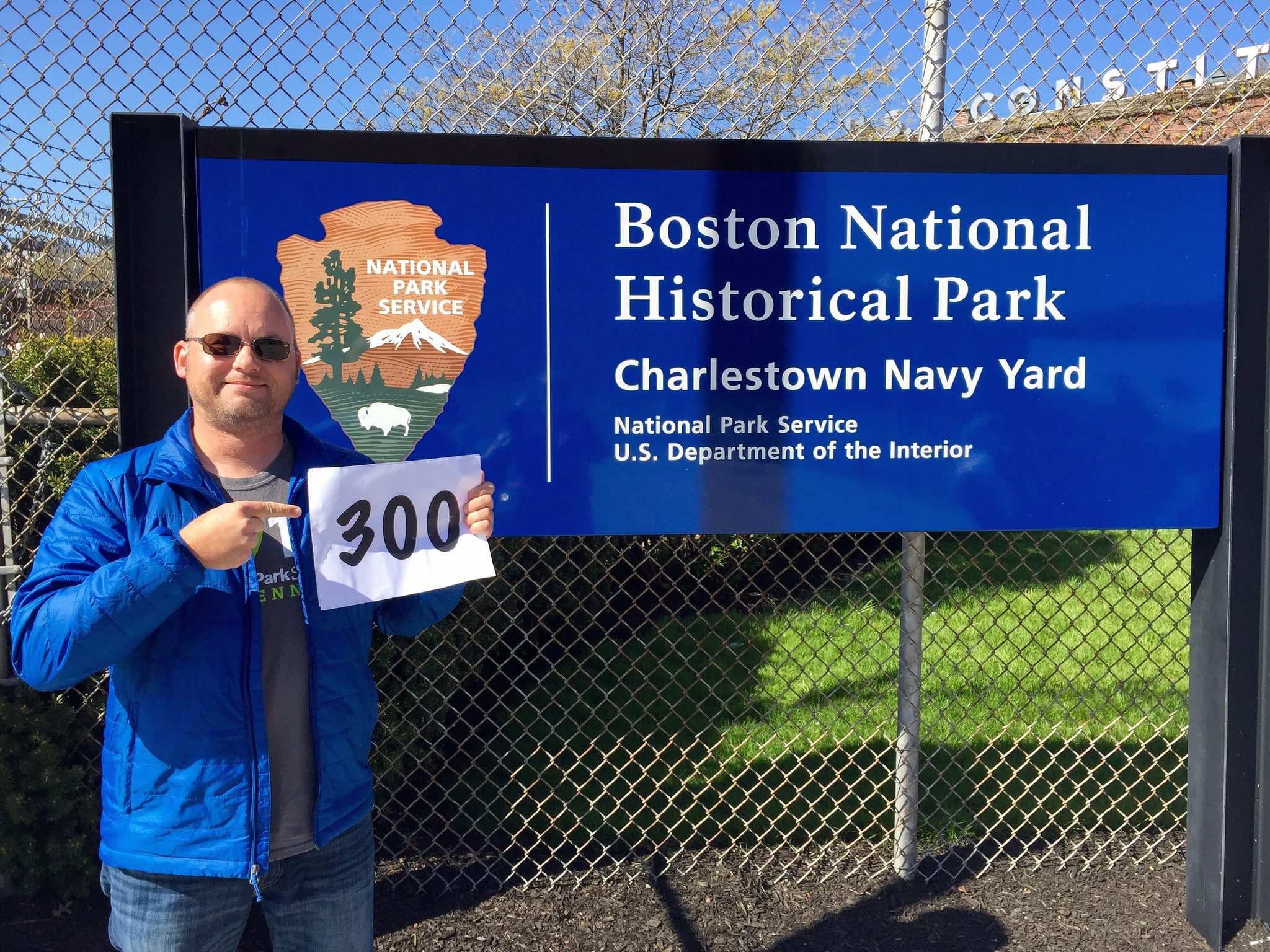
Starting a tradition
I think traditions are particularly important components of quests. Some people dance, while others collect passport stamps, or repeat the same selfie in front of an entrance sign. Some bring a trinket or figurine that they photograph at each destination. It doesn't matter exactly what you decide to do, but I'd recommend adopting at least one tradition for your quest. I tend to have several traditions for each quest I undertake. Some demonstrate my quest progress, such as holding up a sign of what park number I'm on. Others, like a selfie of me in front of the park sign, will be part of a fun slideshow when I'm finally done. Whatever you decide to do, the earlier you start these traditions the better.
Generating some evidence
Most travelers end up with some form of evidence of their various quest visits. For some, it's a photograph of themselves at a famous landmark, or it might be a passport cancellation, or a national park passport stamp. Whatever tradition(s) you adopt, make sure that at least one of them produces some tangible evidence of your visit. While quests are for your own benefit—not for others—you'll still appreciate this evidence by the time you approach your quest goal. Just trust me on this.
Keeping track of your progress
Bust out the spreadsheet
You'll definitely want to keep track of your quest progress, and spreadsheets tend to be the easiest way to do that. If you don't own a copy of Excel or Numbers, there are free online versions such as Google Sheets or Excel Online. Spreadsheets are great for keeping track of more than just which destinations you've visited and which ones you have remaining. You can also keep track of a wide variety of other useful information, such as the date of your visit, links to any photos or videos you posted from the visit, or other details that'll inform a future visit. Believe me, it's a whole lot easier to create and use a system to keep track of your progress than having to go back and researching it each time.
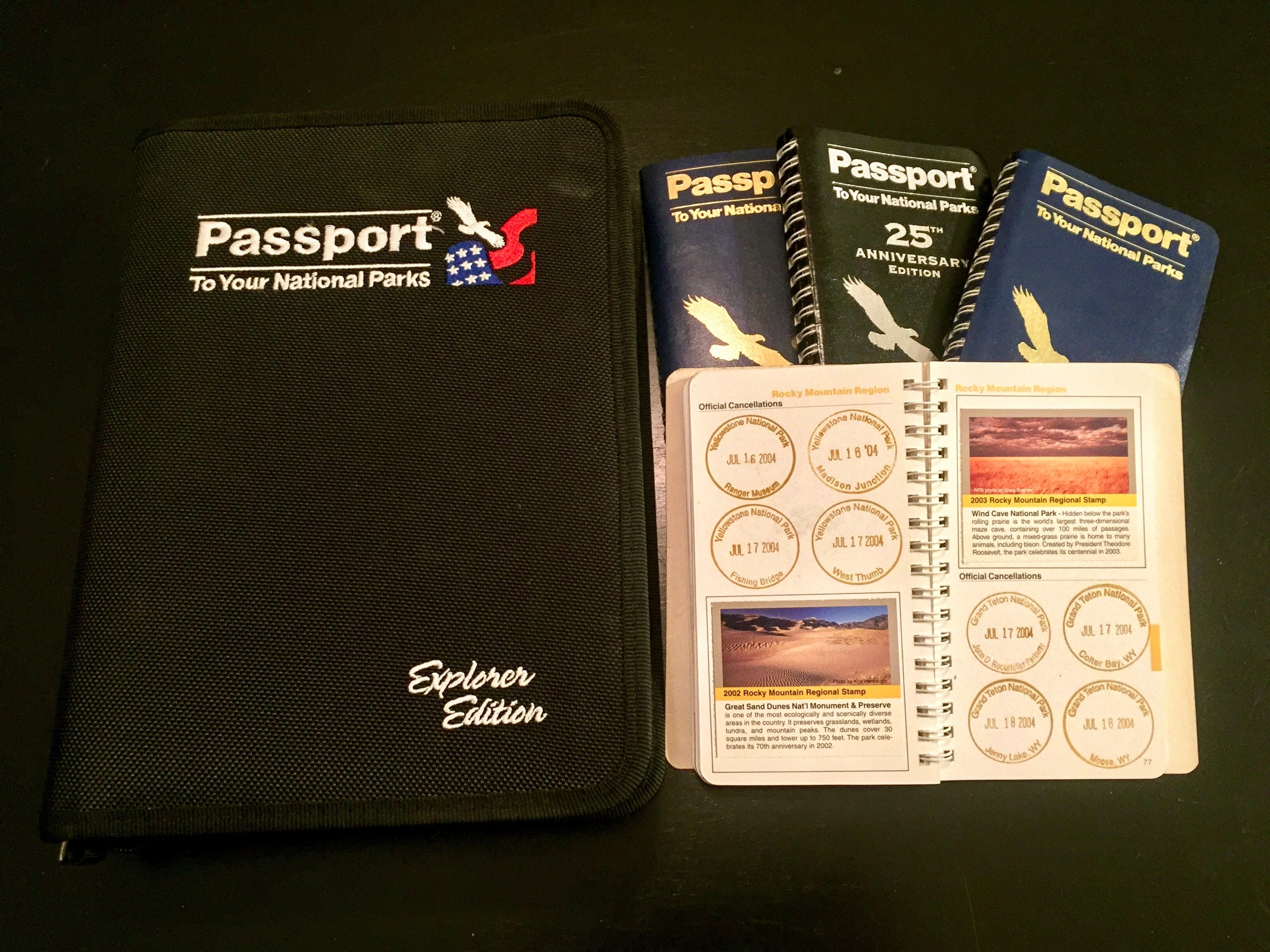
Note: if you're adopted a quest to visit all of the national parks, I've made a spreadsheet counting tool available at rscottjones.com/countparks. Download a copy or add it your Google Drive to edit it.
Know your number
You'll always want to know what your current "number" is, meaning how far along your quest you are. When someone asks you for an update, you should be able to easily answer ("I've been to 88 countries, just 12 more to complete my quest!"). And when you mention your quest to someone, expect their first question to be how close you are to finishing. Also, by keeping track of where you stand on your quest, you'll help stay motivated to continue increasing that number.
Establish and celebrate milestones
If you've adopted a long quest that'll take a number of years (or even decades) to complete, then it's worthwhile to add some intervening milestones to shoot for. I like attaching some deadline goals for some of these to help ensure that you remain on track for completing the larger quest. Be sure to celebrate completing each of these milestones, too—you deserve it.
Visualizing your progress
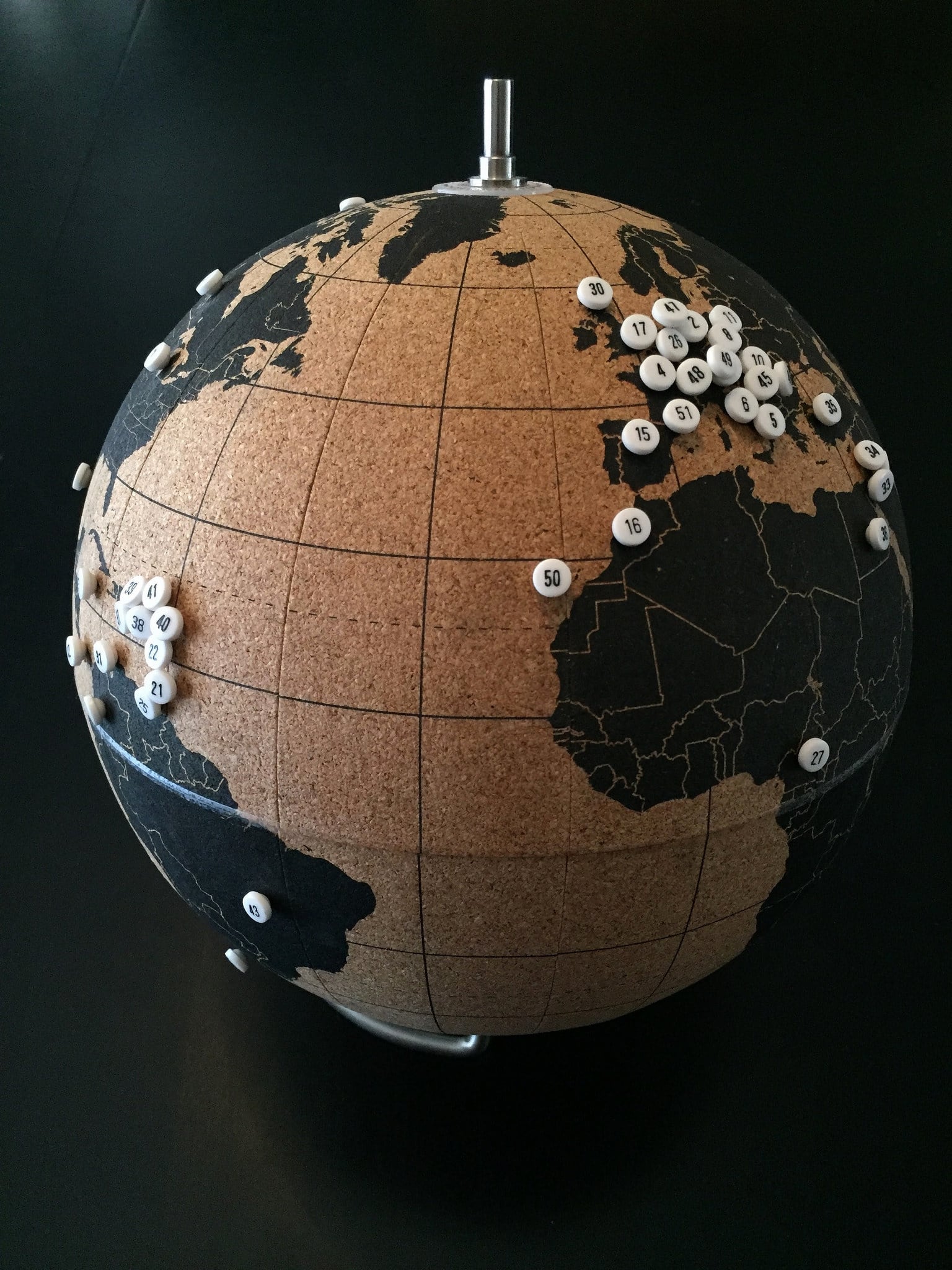
Visualizing your progress is an especially fun part of quests. If you've adopted a common quest, like visiting all of the national parks, visiting all 50 states, or marking off countries, you'll have quite a few options at your disposal. There are a variety of products, from cork-backed wall maps to scratch off wall maps, and cork globes to image-generating apps—and quite a few other options, too. You can personalize your own paper map by taking a highlighter to the places you've been, or photoshopping a digital map, or by simply hanging postcards on the wall.
No matter which approach you choose, I recommend doing something to show the progress you've made. Not only is it a great reminder and motivator to keep at it, but it's also a celebration of your efforts to date.
Documenting your journey
Depending on how you go about doing it, documenting your quest travels can seem nearly as time consuming as actually doing it. But that's a big part of the experience, too. Most everyone takes photos and/or videos of their travels, and you should too. However, don't rely solely on capturing everything via social media—and especially not in nondurable formats that disappear after 24 hours. These are memories you want to keep, after all.
I also strongly recommend blogging or journaling about your quest, too. Don't worry if you're not especially disciplined in doing it, or if you end up with big gaps. Something is better than nothing. Just the act of reflecting on your trip can make it more meaningful and tease out some unexpected insights. You may also come to appreciate the time you took to record a bit about your trips in subsequent years. Failing to do a better job of that and relying on memory recall alone is a common regret among longtime travelers.
Examples of popular quests
Probably the most popular quest of Americans is to visit all 50 states. Quite a few are also counting countries or national parks. Others are trying to catch a game in every MLB ballpark or NFL stadium. There really are a countless number of quests that you could adopt. I've included some sample ideas in the sections below to get your imagination primed.
[powerkit_tabs type=“tabs” nav=“horizontal”] [powerkit_tab title=“Local”]
Local quests are excellent ways to explore beyond your own neighborhood. Many of these amount to “mini quests” that are easily accomplished over the course of a few weeks or months. Obviously, these quests vary substantially depending on where you live. If you live on Maui, then a quest might be to snorkel off every beach on the island; whereas if you live in Kansas City, it might be to eat at every BBQ restaurant.
Here are some ideas to get you thinking:
- Picnic in every city park
- Hike every official trail
- See a movie in every theater
- Play every golf course
- Swim in every public pool
- Enjoy a staycation at every resort
- Eat at every sketchy Chinese or Mexican restaurant *
- Sip coffee at every coffeeshop
[/powerkit_tab] [powerkit_tab title=“State/Regional”]
Quests that cover your own state or province are probably the best ones to start with. They offer a bit more of a challenge than local quests, and there tend to be a sufficient number of destinations—such as counties or state parks—to make the quest both challenging yet accomplishable.
- visit every county
- enjoy a pint at every brewery or a glass at every winery
- tour each history or historical society museum
- hike in every designated Wilderness Area
- play a round at every golf course
- visit every state or provincial park
- cruise every scenic drive or backcountry byway
- explore every accessible National Natural Landmark
- summit every county high point
- stay in each historical hotel
- enjoy every zoo
- conquer all the Colorado 14ers
- climb each of the New England 4000 footers
- summit the closest 50 peaks to your house
Quests start to get quite a bit more challenging when they span the entire country. For many, this is the sweet spot for lifetime quests. You’ll end up doing a lot of domestic travel, but much of it can be done by car and you don’t have to worry about visas, currencies, or foreign languages.
- visit every state or province
- hell, visit every territory, too
- tour every National Park
- catch a game in each stadium or arena of your favorite sports league
- mark off every county
- drive every interstate highway segment
- tour every State Capitol building
- recreate in each National Forest
- visit all the sites associated with the Manhattan Project
- swim in all 5 Great Lakes
- take a selfie on every State High Point
- section hike a long distance trail
- marvel at all three World's Largest Balls of Twine
- summit 500 total peaks
- Presidential birthplaces, gravesites, or libraries
Obviously, these quests tend to be the most difficult, as they require the most travel to complete. But, wow, what adventures you’d have!
- stay overnight in 100 countries (or all of them)
- snap a selfie in each of the Seven Wonders of the World
- pay your respects at the holy site of every major religion
- step foot on all 7 continents
- stand in line at every Disney theme park
- visit 100 UNESCO world heritage sites
- complete the Seven Summits
- call your mom from every country in Europe
- sail on every ocean
- visit a town in every timezone
Have you adopted a quest?
If so, let me know what you quest is in the comments below—and be sure to tell me how far along you are.
In defense of traveling fast
"Wow, that sounds exhausting. I think I'd rather just spend more time at one place," she replied after hearing my itinerary.
I responded with a knowing nod. I understood why she felt that way. For many people, a vacation is all about slowing down, about relaxing. It means sleeping in, having nowhere to be, and taking one's time.
The concept of slow travel is generally revered among travelers. Countless books and blog posts extol the virtues of slowing down so as to "authentically" and intimately experience a specific place. And there's a lot to be said for that. There is absolutely nothing wrong with this approach; immersive travel is an amazing way to experience new places.
But it's not always the best approach for everyone. In fact, the push for slow travel as the single "best" or "right" way to travel seems a bit disingenuous. Like most people, I don't have gobs of time available to devote to a single destination. I simply have too many restraints on my travel opportunities—and faaaaar too many places I want to visit—for slow travel to be a viable strategy for each of my destinations.
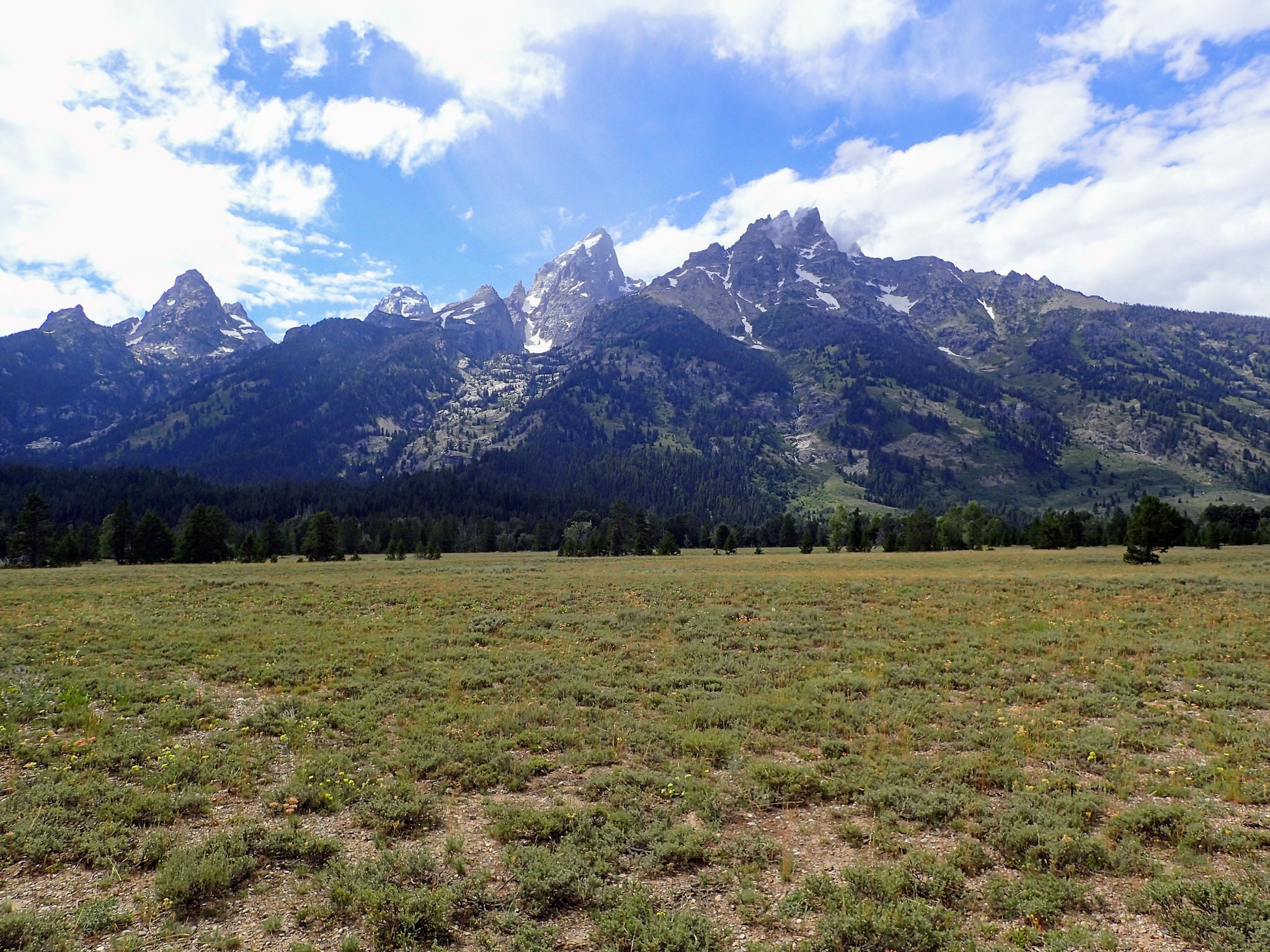
In practice, many people don't spend the extra time they might devote to a destination to truly getting to know that place, anyway. Instead, they might spend much of it cooking a more elaborate meal at the campground, drinking for hours by the campfire, or just reading a random novel in a hammock. Each of these can be a fun way to spend your weekend, but they're often totally devoid of place. After all, you could be doing them just about anywhere, and they add nothing to further experiencing a specific locality. In effect, those travelers have traded time they could have spent seeing something they've traveled great distances to experience for the opportunity to cook bacon and eggs and lounge around camp in the morning.
To me, fast-paced travel is about seeing and experiencing more of the places you do visit, or visiting more places than you otherwise might. It's about considering the opportunity costs at play and deciding in favor of seeing more of the unique places you can't easily otherwise see, rather than spending that time doing something that's routine or commonplace. It's about maximizing your opportunities to experience places, not shortchanging them (as it's often portrayed). What motivates me is that, by traveling fast and efficiently, I can sometimes even add bonus stops to my itinerary, or have extra time for spontaneous or unexpected activities.
"You can't see Yellowstone in a day and a half," she denounced. "Wouldn't you rather just go when you could visit for a whole week instead?"
"No, you certainly can't see it all. But you can sure see a lot of it, and that's vastly better than seeing nothing," I responded. That's always been my philosophy, at least.
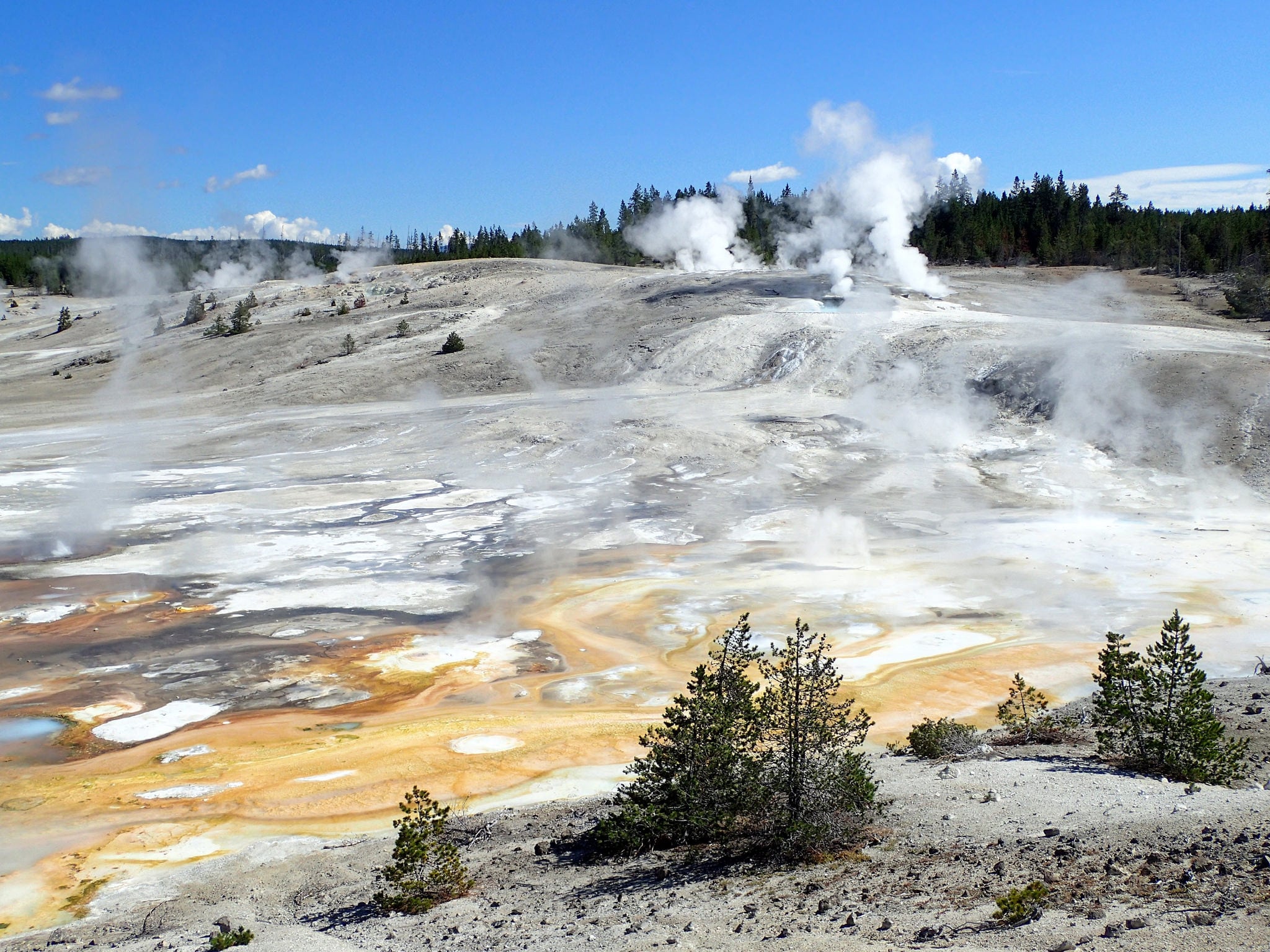
After all, waiting for the ideal trip is often a fool's errand. You may never have such an opportunity. They say there's no "right" time to have a baby. Similarly, there is unlikely to be a perfect time for a specific trip. Perpetually postponing travel for a mythical ideal opportunity in the future usually means that the trip in question simply never happens. Instead of focusing on what you can't accomplish during a short visit, consider what experiences you can have. You'll be surprised at the good time you can have just popping into a national park along your route for an hour or two. At the very least, it might be enjoyable enough to inspire you to prioritize a return visit.
So just go and see what you can, when you can, even if it's not exactly the absolute perfect visit.
What I'm not arguing
That doesn't mean you shouldn't be strategic when scheduling or planning trips. If you can legitimately postpone a visit until a substantially better time—one that's actually likely to happen—then it probably makes sense to do so. I'd much rather visit Death Valley National Park for four days in February than for a single day in July—but only if that February trip was actually something that was likely to happen. After all, an abbreviated trip to the scorching hot park—even in the dead of summer—is better than never getting there at all.
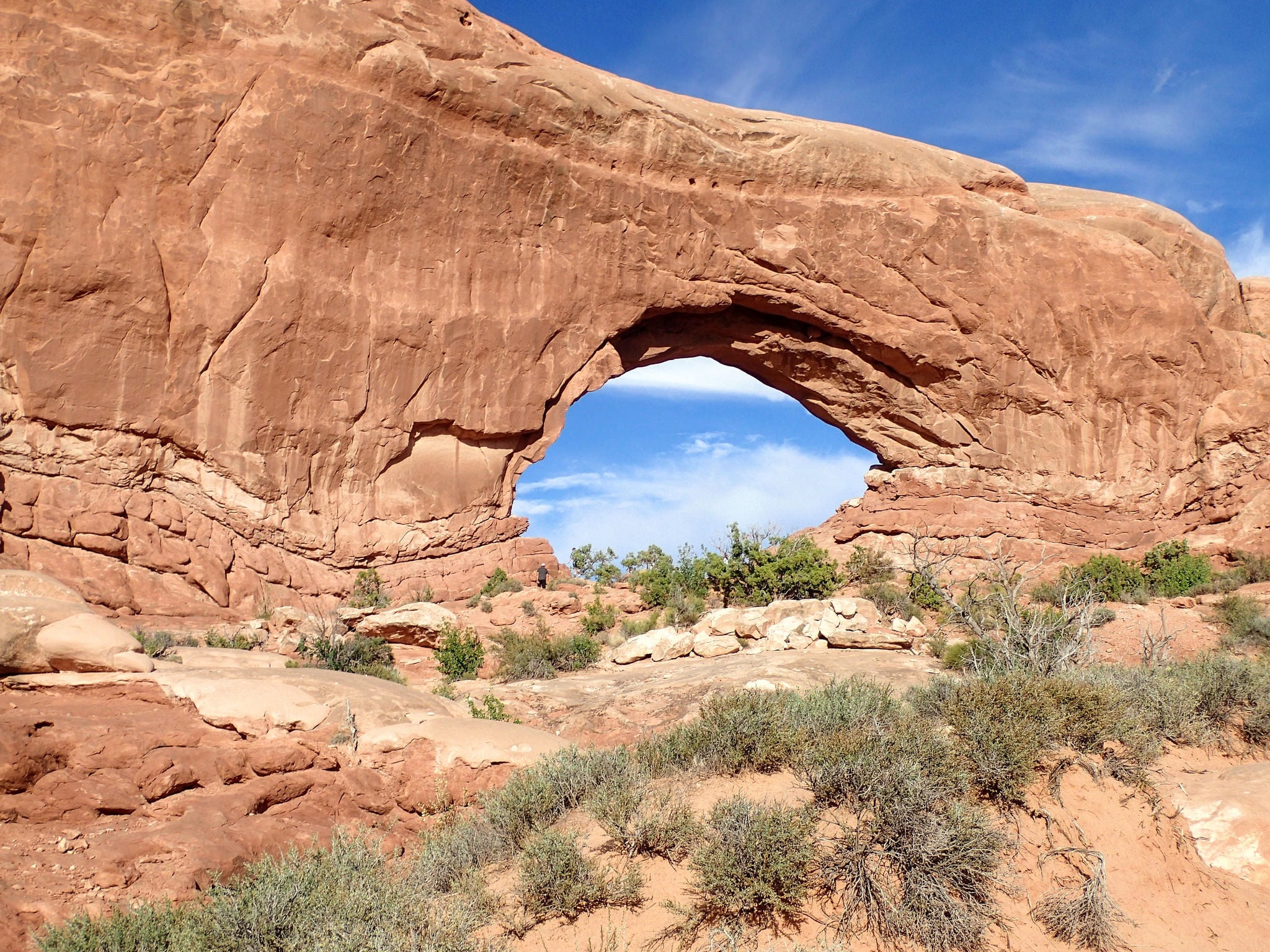
Similarly, if I have three things I absolutely want to see in the Philippines and I'm unlikely to get back there anytime soon, then making sure that I schedule enough time to visit those three things during my trip is entirely appropriate.
I'm also not arguing that you should ensure that your trips feel overly rushed. That's not the point, either. The goal here to increase your travel efficiency so that you can maximize the amount of time you spend seeing stuff you want to see—not simply so you can rush through every possible experience.
That said, I often do employ the 80/20 rule when it comes to my travel activities. That is, the things that bring me 80% of my joy during a trip tend to come from about 20% of the time I spend in various activities. As it becomes more obvious what activities that 20% includes, I strive to do those things more frequently. For instance, if I'm touring yet another historical house from the early 1900s, I might move more quickly through interpretative displays (of concepts I'm already familiar with) in order to spend more time learning about the specific historical figures that lived there. For me, the 80/20 rule helps ensure that I'm spending my time wisely.
Benefits of traveling fast
You get to see more places
This one is the most obvious benefit—and probably the most important one, too. It's pretty simple, really. By not wasting time on inconsequential things, you get to spend more of your time visiting other places. I'll gladly forgo a sit-down meal in favor of a quick sandwich if it means I can add a stop at that petroglyph panel that's not far off our planned route.
You get to see more of each place
Traveling fast isn't just about getting to stop at additional destinations. It's also about making more time for the destinations you're already at. By ensuring that you prioritize the time you spend actively experiencing places, you'll naturally get to spend more more time enjoying each destination.
You'll be better informed for future trips
Even if you don't get to spend as much time as you'd like at a destination, a short visit can often help better inform a return trip. You'll have a better sense of the place, usually have access to additional materials (like maps and brochures) and can often inquire for some recommendations. Quick drop-ins to help scout a destination can really help you plan a better, more complete return trip.
A few tips on how to travel faster
There are a variety of strategies for getting the most out of your trips. Here are some of the ones I most often employ; while many of these are roadtrip-centric, the underlying strategy can be applied to other types of trips, too. Pick and choose which ones might be the most effective for your own travel.
Prepare an itinerary
One of the best reasons to prepare a rough itinerary is so that you don't waste time researching what to do after you've already arrived. Knowing what you're interested in doing before you get there is a great way to save time. Now, that doesn't mean that you can't be spontaneous. Indeed, having prepared a rough itinerary can actually aid in being flexible, as you already know what you'll be giving up or how to reconfigure your trip to allow for this new activity. Best of all, you won't end up standing in a visitor center negotiating with your travel partner what you should do first.
My trip itineraries often include what I like to think of as "bonus" items—destinations or activities that aren't part of my planned itinerary but can be added (or substituted) when appropriate. That allows me to quickly add an additional stop if I'm running ahead of schedule, or to easily shift to a better activity if bad weather thwarts my original plans. Since I try to overestimate how much time I'll need at various destinations, I often find myself adding several additional stops during road trips. It's a great feeling to have extra time to add even more fun stuff than you had originally planned. Keeping track of these places using a custom google map makes the whole process even easier.
Keep things simple
Keeping it simple is often good advice no matter how you're traveling. But it's especially useful when you're trying to reduce wasted time during a trip. You can apply this strategy in a variety of ways. For me, I tend to focus in on food and gear. That means choosing meals that are relatively easy to prepare and require fewer ingredients and cookware. That way, I'm not spending excessive time preparing complex recipes and washing countless dirty dishes.
For me, it also means only bringing gear that I'm actually likely to use, so I don't have to spend extra time managing stuff I never end up using. That doesn't mean that you shouldn't be prepared for possible weather conditions, or that you can't bring a luxury item that you might not get a chance to use but really want anyway. But if you've brought your GoPro on your last five trips and never gotten around to powering it up, maybe it's time to leave it (and its countless accessories) at home.
Prep what you can before the trip
As much as possible, I try to prep food and other gear before I leave my house. For instance, I'll often get future meals prepped ahead of time by chopping any vegetables I'll need, measuring out ingredients, and putting everything together in a ziplock bag. That makes cooking both quick and easy while also limiting the number of dishes I have to clean, too. Similarly, packing your daypack ahead of time for that first hike will save you from pulling apart the car to assemble what you need when you get to the trailhead. Putting together activity-based kits, such as a grab-and-go bag of everything you need to shower at a campground, is also a simple way to prep for your trip. Best of all, once you get these things organized once, it's easy to keep them ready-to-go for future adventures, too.
Stay organized
This item probably goes without saying. The more organized you are, the easier it is to travel quickly. For me, being organized is all about having systems that work for how I travel. It's one of the reasons I love having a camping bin, why I try to pack my vehicle the same way each time, and why I create detailed trip docs with all of the relevant trip information listed on one master google doc. Each of these helps keep me organized, which means I waste less time managing my stuff or figuring out trip logistics while I'm on the trip.
Consider the trade-offs
The most important tip in this post is to consider the trade-offs you unconsciously make during a trip, then to choose the option that lets you maximize the unique experiences you can have while traveling.
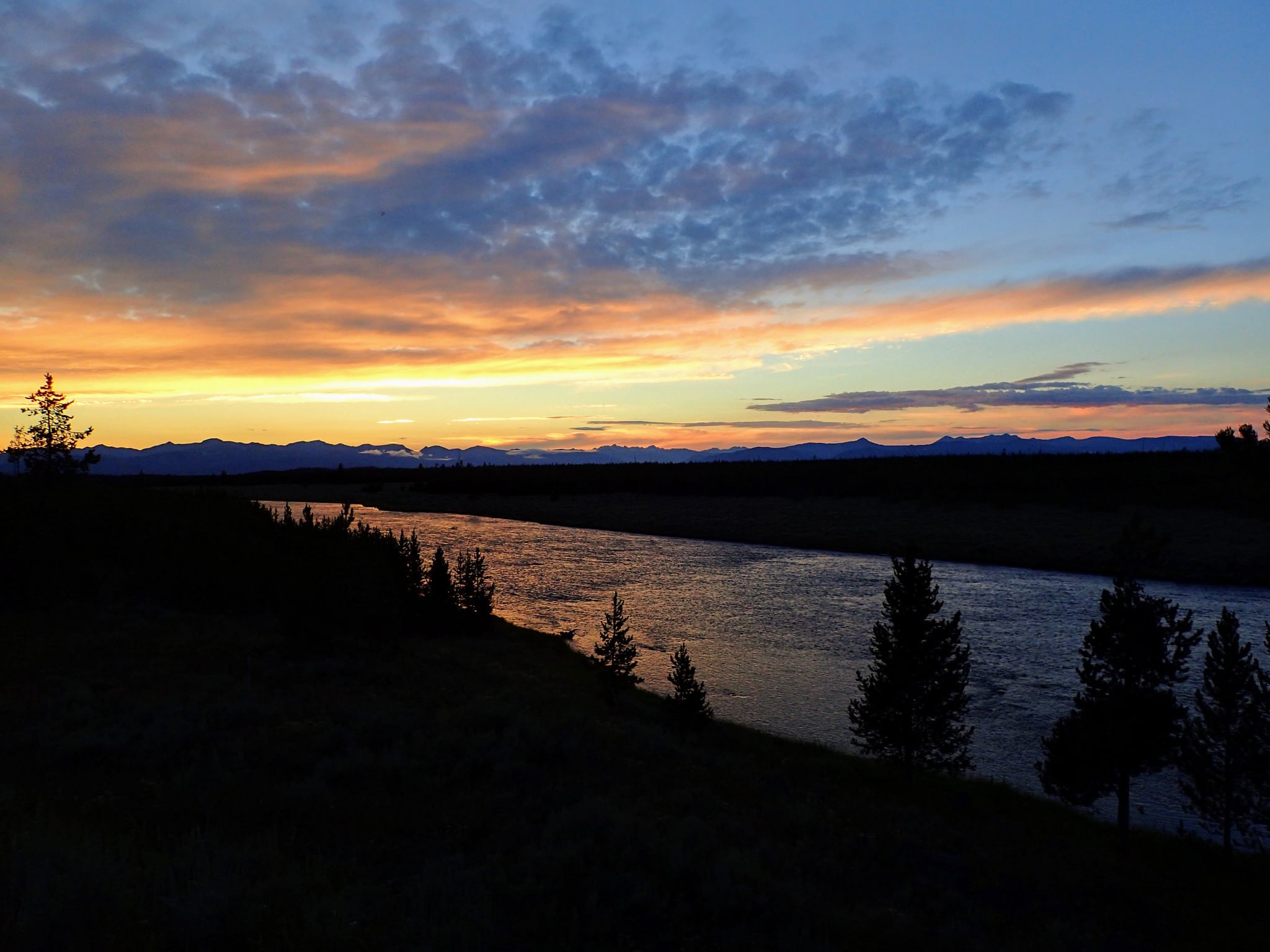
For instance, I recently had only 1.5 days available to spend in Yellowstone National Park during a road trip. Even though my buddy and I had brought plenty of food to cook and were trying to travel cheaply, we opted to eat dinner at the park. By doing so, we were able to spend three additional hours in the park instead of heading back to camp to cook when we got hungry. Having three more hours to visit the geyser basins was worth the extra $9 we spent on food that day. Similarly, instead of spending an hour cooking and eating breakfast and then cleaning up afterwards, we opted to grab a quick fast food breakfast sandwich on the drive instead. Sure, it was less enjoyable of a meal, but we were more than willing to trade that subpar breakfast for some extra time enjoying the geothermal wonders of a park we so rarely get to visit.
Now, the point here isn't to inspire you to order more crappy fast food, but it's to think about what trade-offs you're making and what's most important for you. In our estimation, eating a quick $5 burger and getting an extra hour in the national park easily outweighed enjoying the breakfast we would have cooked for ourselves. Your mileage may vary, of course, but consciously considering these trade-offs is the important thing.
Arrive late, leave early
I'm referring to your accommodations here, not your intended destination. Arriving too early at your campsite or to your hotel room means you've left some valuable time unused. Since I try to soak up every ounce of daylight seeing things that matter to me, campsites or hotels are mainly just places to sleep and shower before I'm off on the next day's adventures. For instance, I couldn't tell you the last time I turned on a hotel room television. Why would I? I arrive well after dark and head to bed quickly, then depart as soon as I'm ready in the morning. I can watch tv any time I want at home, but I can't spend that time enjoying a distant national park.
Set up camp in the dark
I regularly hear people say that, above all, it's important that they set up camp "before it gets dark." I wholeheartedly disagree. Unless you're searching for dispersed camping, setting up camp in the dark is no big deal. Indeed, in nearly every developed campground you'll find, it's a virtually identical endeavor as setting up in the daylight. The only difference is that you've traded precious daylight you could have used adventuring for time spent in what's likely just a run-of-the-mill campground. Today's tents are incredibly easy to set up; you'll do just fine using a headlamp. Spend 10 minutes trying it out at home first and you'll be all set.
Skip time-fillers that you can do anywhere
While I'm traveling, I try to reduce the number of activities I could otherwise do anywhere else, like watching tv or reading a book. If it's not something that is adding a new experience—especially one that I can only have at my destination—then I do my best to skip it. Now, that's not saying that you shouldn't brush your teeth in the morning, or take a shower unless you're doing it under a backcountry waterfall. But if the choice is between watching another Law & Order rerun in your hotel room versus staying out an extra hour to hear the Yellowstone wolves howl, well...I'd choose the latter.
Drive at night
Whenever possible, I schedule the long drives between major destinations for after the sun has set. That way, I'm not wasting daylight in the car just staring down the highway when I could otherwise use it to enjoy a canyon vista or watch some elk graze in the meadow. There are sometimes additional considerations here, especially for areas with high deer populations or for those who struggle with night driving, but the general strategy here is to minimize the amount of useful sightseeing time you spend stuck in a moving car. Obviously, if your intended destination is a scenic drive, well then, schedule accordingly.
Make good use of time in the car
Most trips require substantial time in either the car or in a plane, train or bus. While it's easy to see this solely as "lost" time, there are a variety of ways to help pass the time while improving your trip. You can do this by researching what activities to prioritize at the next stop, researching other nearby destinations you might want to add to your itinerary if time allows, creating shopping or other task lists for your next stop, deciding where you might want to eat dinner, or revising other trip logistics. It's also a great time to complete any tasks that might otherwise subtract from your available time or attention at future destinations, whether that's posting to social media, providing updates to family members, or catching up on critical work emails. It's also a great time to journal or think about what you've seen during the day.
"This all sounds exhausting"
I know, I hear you. And truth be told, sometimes traveling fast is.
Sometimes that's just the trade-off I'll happily make to see and experience as much as I can during a trip—a trip that's rarely as long as I'd like it to be. Traveling fast is all about maximizing the amount of time you have available for seeing new places (or returning to your old favorites) during the limited time most of us have available for travel.
I'm not here to convince you that this is the only way you should travel. It's not even the only way I myself travel. I'm simply arguing that it's a viable approach for many, and one that provides some great experiences that can't easily be duplicated. Even if you're still a bit skeptical about parts of this, I hope you can glean a few tidbits that will enhance your next trip.
Have some additional tips to share? Want to chat about this? Contact me.
How to 'Leave No Trace'
If you've spent any time recreating outdoors, you've undoubtedly heard the phrase "leave no trace" or seen the popular acronym, LNT. But do you know what it really means?
Below are the seven major Leave No Trace principles, along with some bullet-point examples of what each one looks like in practice. Click on any principle title for an even more detailed explanation and additional resources. Want to learn even more? Complete the online awareness course or attend one in-person.
It is our responsibility as users of our public lands to ensure that our recreational activities don't impair these places. Please, do your part.
The Leave No Trace Seven Principles
Plan Ahead and Prepare
- Know the regulations and special concerns for the area you'll visit.
- Prepare for extreme weather, hazards, and emergencies.
- Schedule your trip to avoid times of high use.
- Visit in small groups when possible. Consider splitting larger groups into smaller groups.
- Repackage food to minimize waste.
- Use a map and compass to eliminate the use of marking paint, rock cairns or flagging.
Travel and Camp on Durable Surfaces
- Durable surfaces include established trails and campsites, rock, gravel, dry grasses or snow.
- Protect riparian areas by camping at least 200 feet from lakes and streams.
- Good campsites are found, not made. Altering a site is not necessary.
- In popular areas:
- Concentrate use on existing trails and campsites.
- Walk single file in the middle of the trail, even when wet or muddy.
- Keep campsites small. Focus activity in areas where vegetation is absent.
- In pristine areas:
- Disperse use to prevent the creation of campsites and trails.
- Avoid places where impacts are just beginning.
- In popular areas:
Dispose of Waste Properly
- Pack it in, pack it out. Inspect your campsite and rest areas for trash or spilled foods. Pack out all trash, leftover food and litter.
- Deposit solid human waste in catholes dug 6 to 8 inches deep, at least 200 feet from water, camp and trails. Cover and disguise the cathole when finished.
- Pack out toilet paper and hygiene products.
- To wash yourself or your dishes, carry water 200 feet away from streams or lakes and use small amounts of biodegradable soap. Scatter strained dishwater.
Leave What You Find
- Preserve the past: examine, but do not touch cultural or historic structures and artifacts.
- Leave rocks, plants and other natural objects as you find them.
- Avoid introducing or transporting non-native species.
- Do not build structures, furniture, or dig trenches.
Minimize Campfire Impacts
- Campfires can cause lasting impacts to the backcountry. Use a lightweight stove for cooking and enjoy a candle lantern for light.
- Where fires are permitted, use established fire rings, fire pans, or mound fires.
- Keep fires small. Only use sticks from the ground that can be broken by hand.
- Burn all wood and coals to ash, put out campfires completely, then scatter cool ashes.
Respect Wildlife
- Observe wildlife from a distance. Do not follow or approach them.
- Never feed animals. Feeding wildlife damages their health, alters natural behaviors, and exposes them to predators and other dangers.
- Protect wildlife and your food by storing rations and trash securely.
- Control pets at all times, or leave them at home.
- Avoid wildlife during sensitive times: mating, nesting, raising young, or winter.
Be Considerate of Other Visitors
- Respect other visitors and protect the quality of their experience.
- Be courteous. Yield to other users on the trail.
- Step to the downhill side of the trail when encountering pack stock.
- Take breaks and camp away from trails and other visitors.
- Let nature's sounds prevail. Avoid loud voices and noises.
These Seven Principles are © 1999 by the Leave No Trace Center for Outdoor Ethics: www.LNT.org.